Maintaining specifications with scattered tools (Word for the vision, Excel for requirements, separate UML tools for diagrams) leads to media breaks, poor versioning, and inconsistent artifacts. The Studio replaces them with one workspace on top of your Git repository.
Business analysts capture the vision and requirements, requirements engineers specify use cases and the entity model, software and test engineers read the specifications and add technical detail, all in the same tool, on the same Git-versioned files.
Project leads see status and progress at a glance, without opening a single Markdown file.
Each artifact type gets a dedicated editor with validation instead of a blank text file. ER diagrams are generated from the entity model, and activity diagrams from use case scenarios, automatically and live in the browser.
Nobody needs to write PlantUML or Mermaid by hand; the diagrams can never drift out of sync with the specification.
From the project overview through the business processes to the individual use case and test case: the screenshots follow the Spring PetClinic example project.
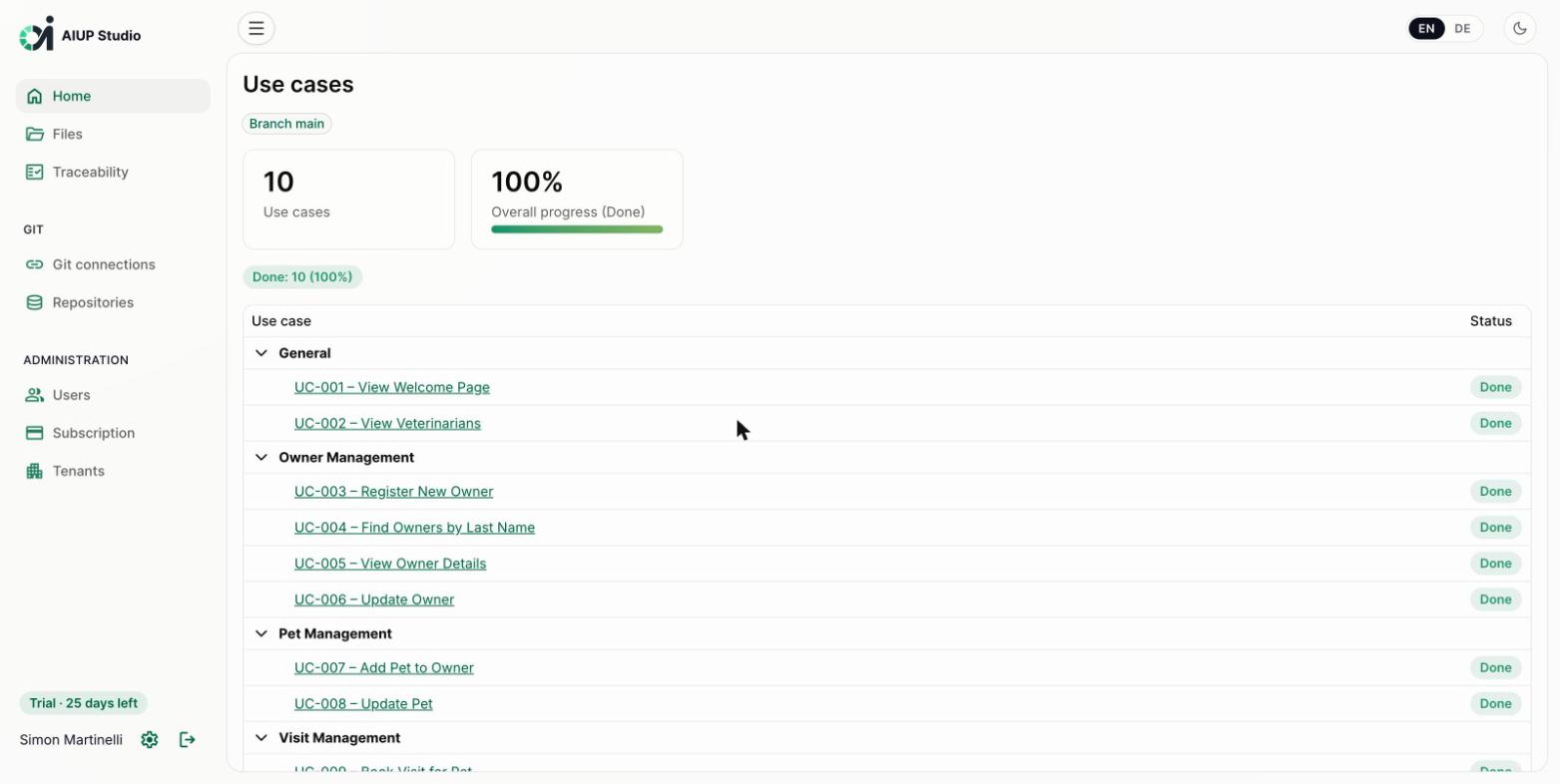
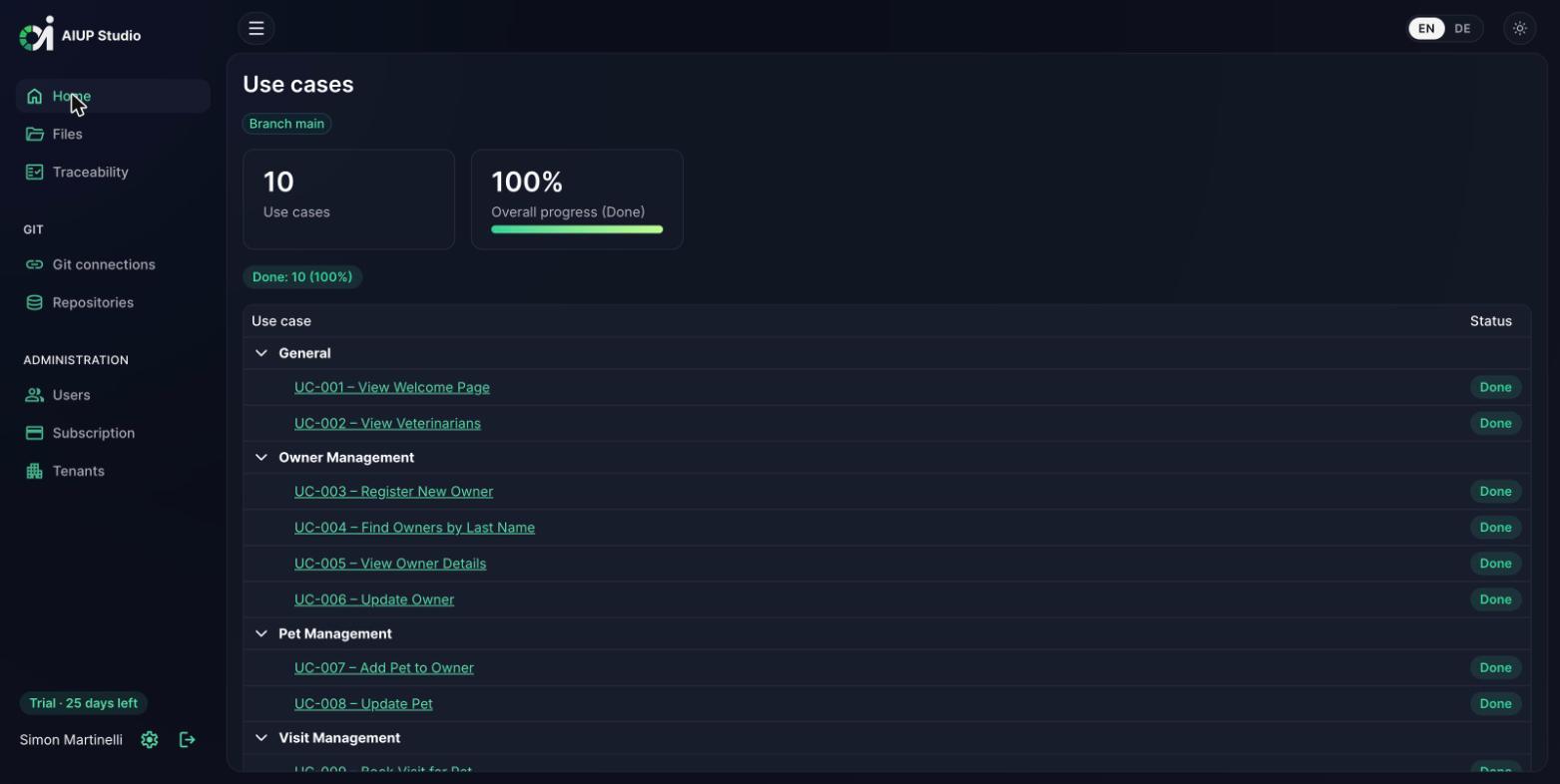
The home view shows all use cases of the project, grouped by functional area, with their status and the overall progress. Every stakeholder sees where the project stands at a glance: no repository checkout, no Markdown reading required.
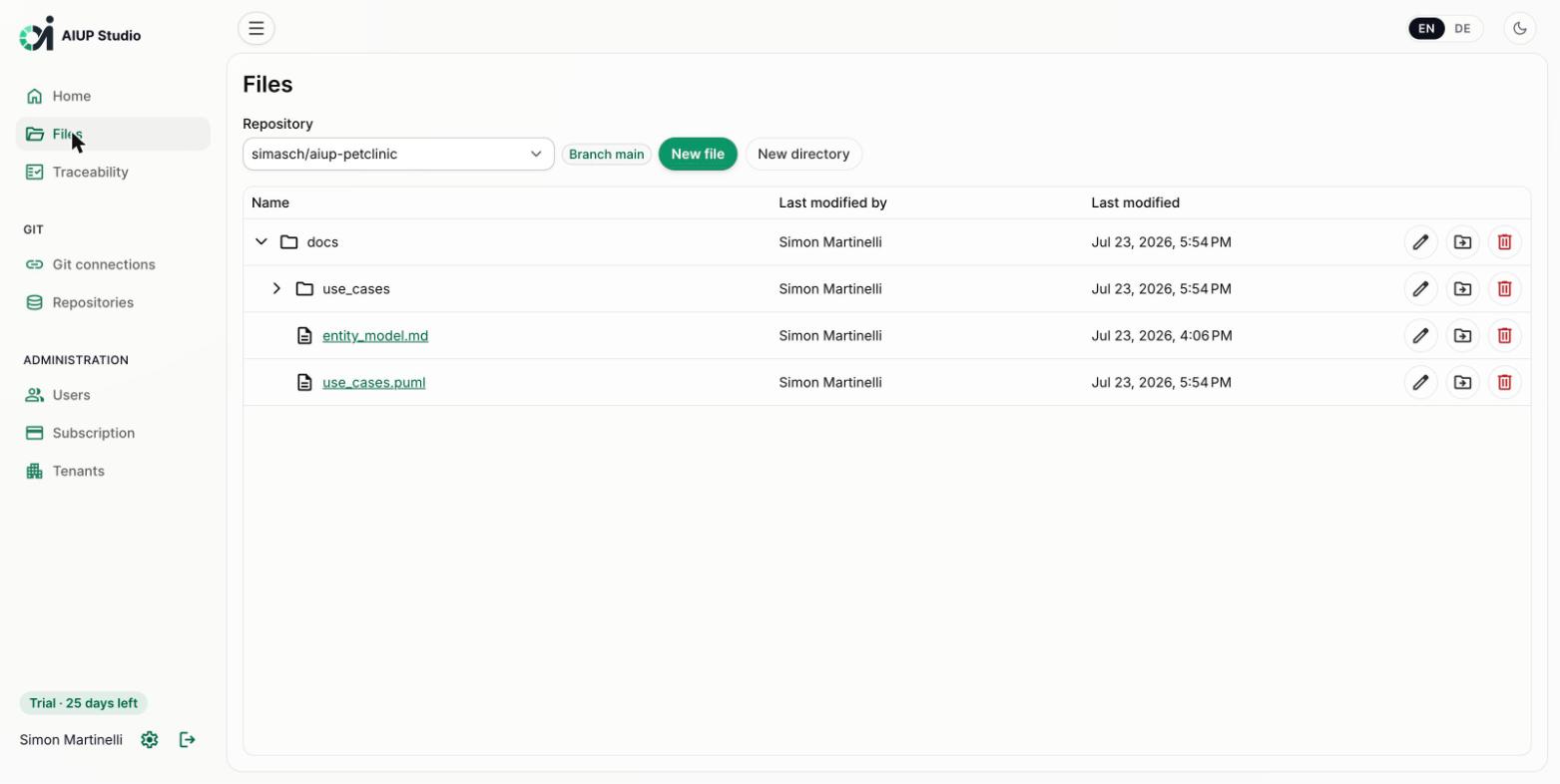
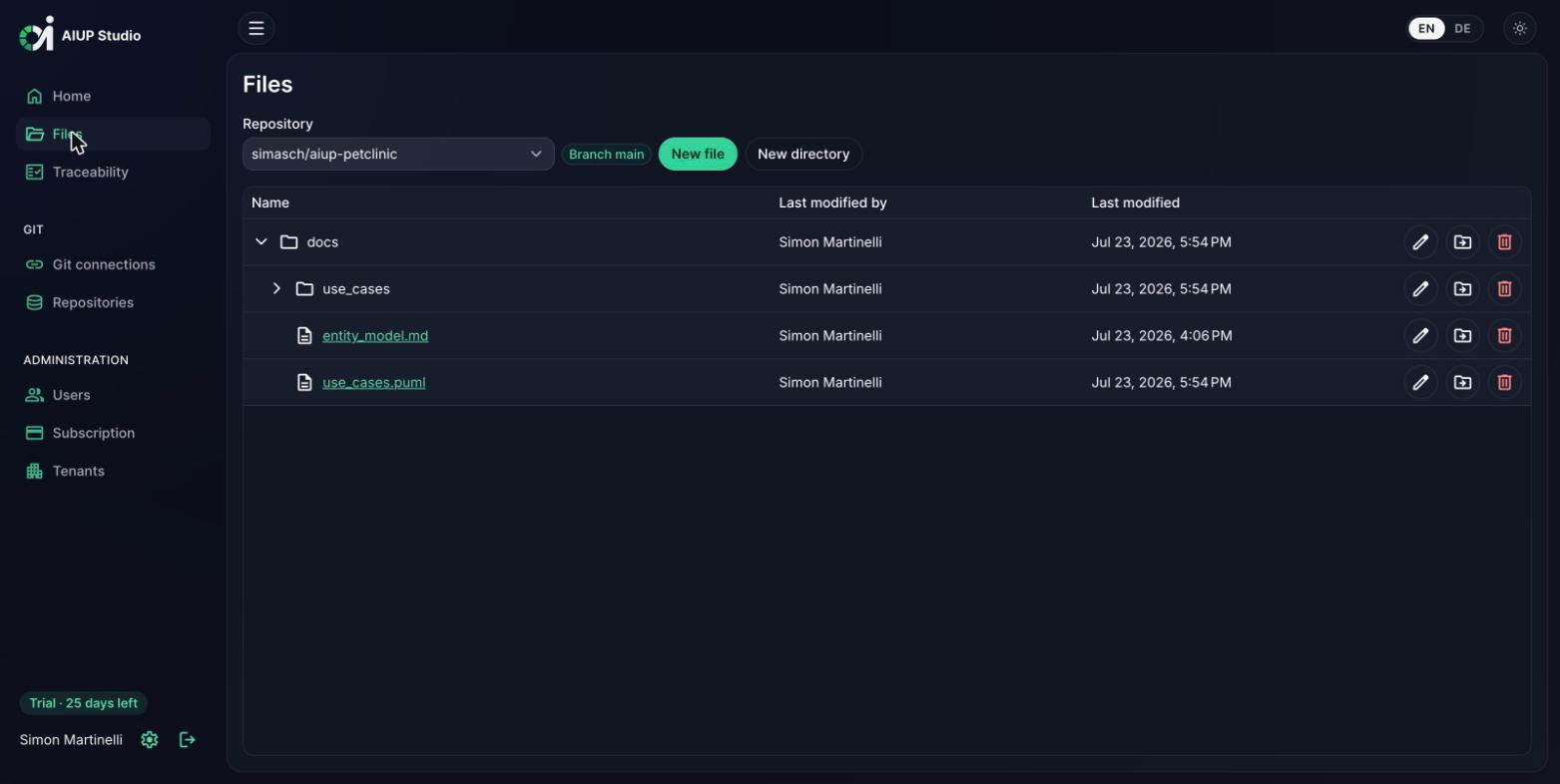
The files view navigates the repository directly: browse the docs folder, create, rename, move, or delete files and directories. Every operation is written back as a Git commit with a traceable message and author; the repository stays the single source of truth.
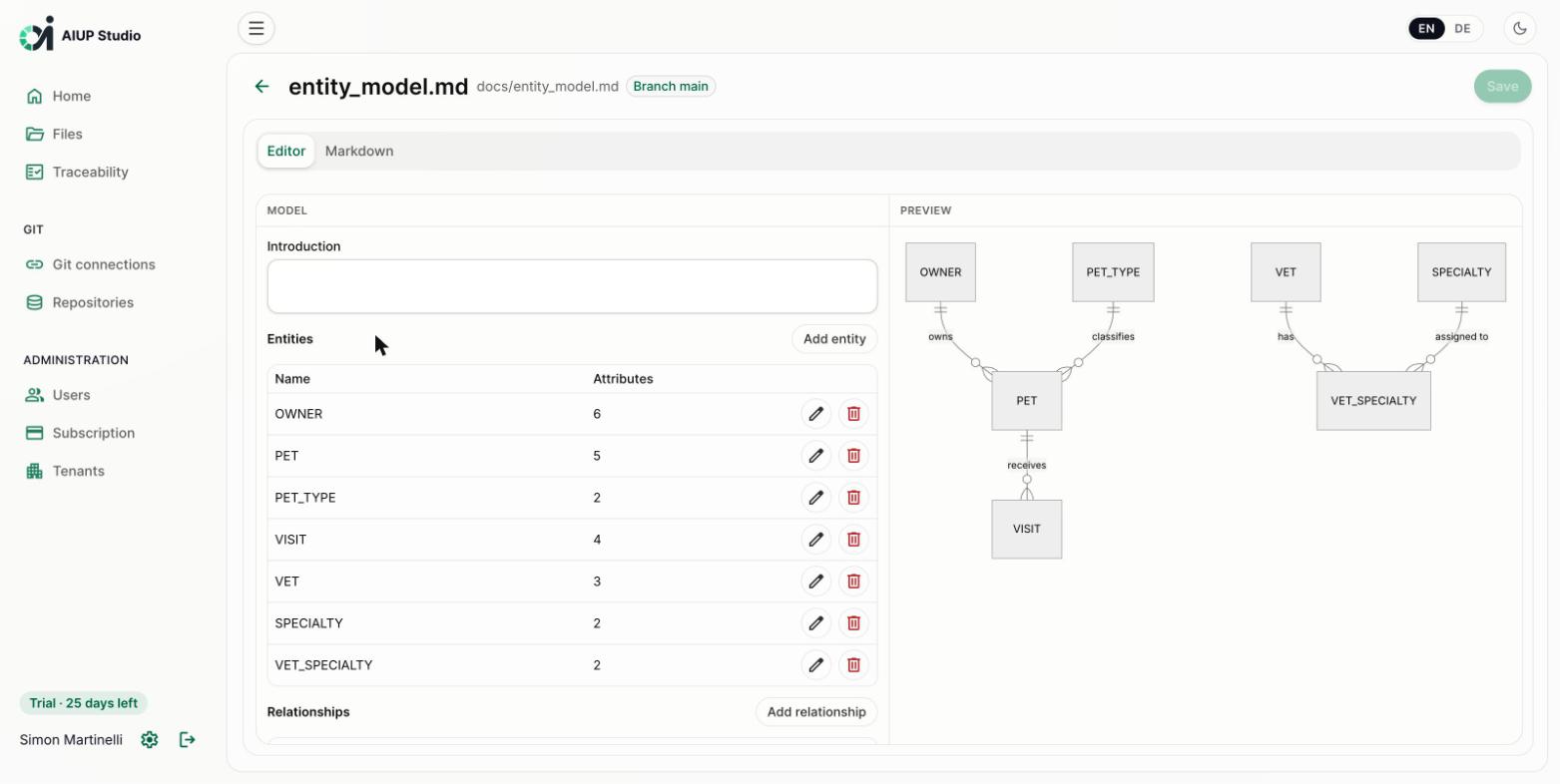
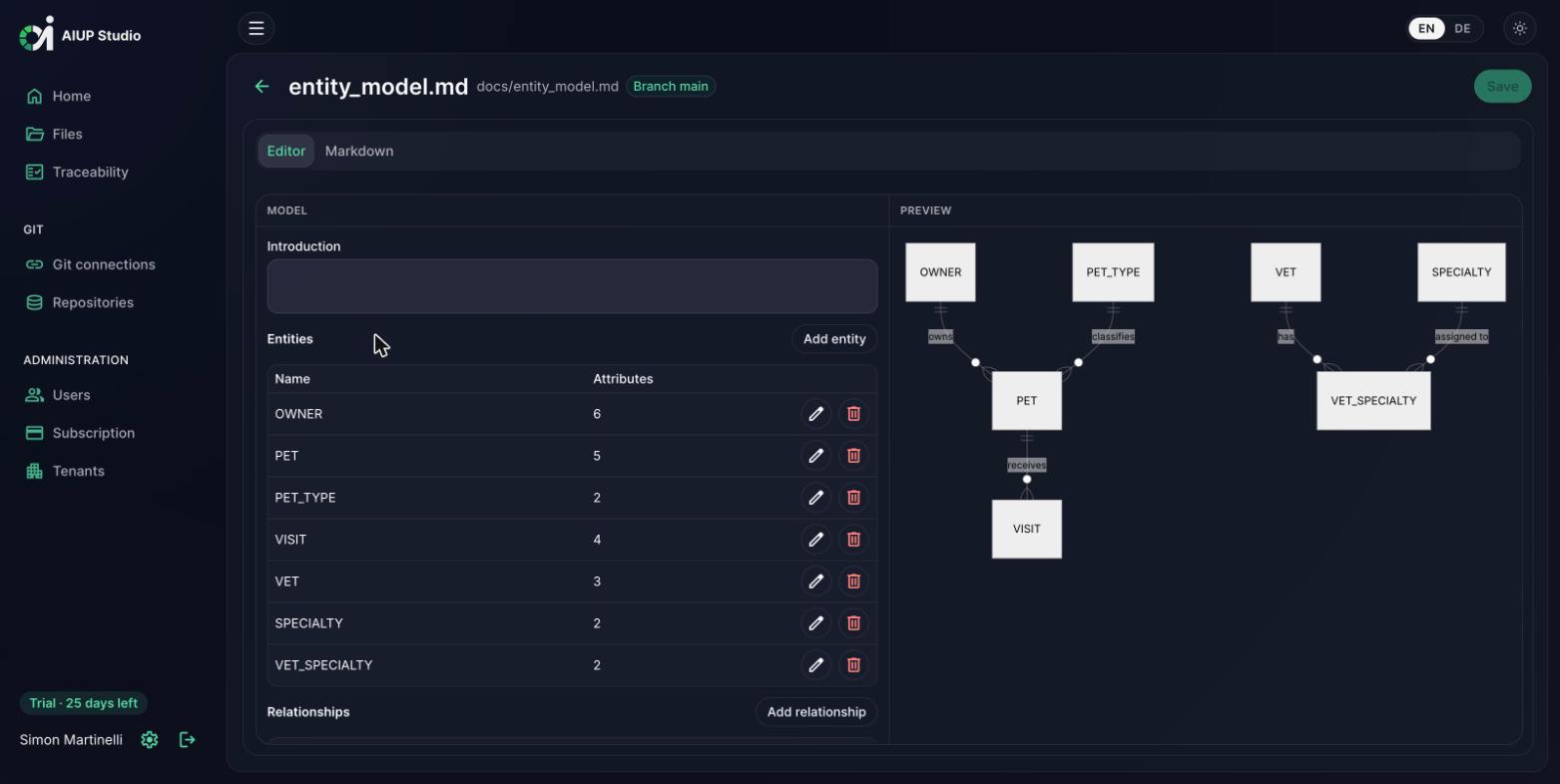
Entities, attributes, and relationships are maintained in a structured editor: no diagram drawing, no syntax to learn. The Mermaid ER diagram is generated from the structured data and rendered live; the result is saved as a plain Markdown file (docs/entity_model.md) in the repository.
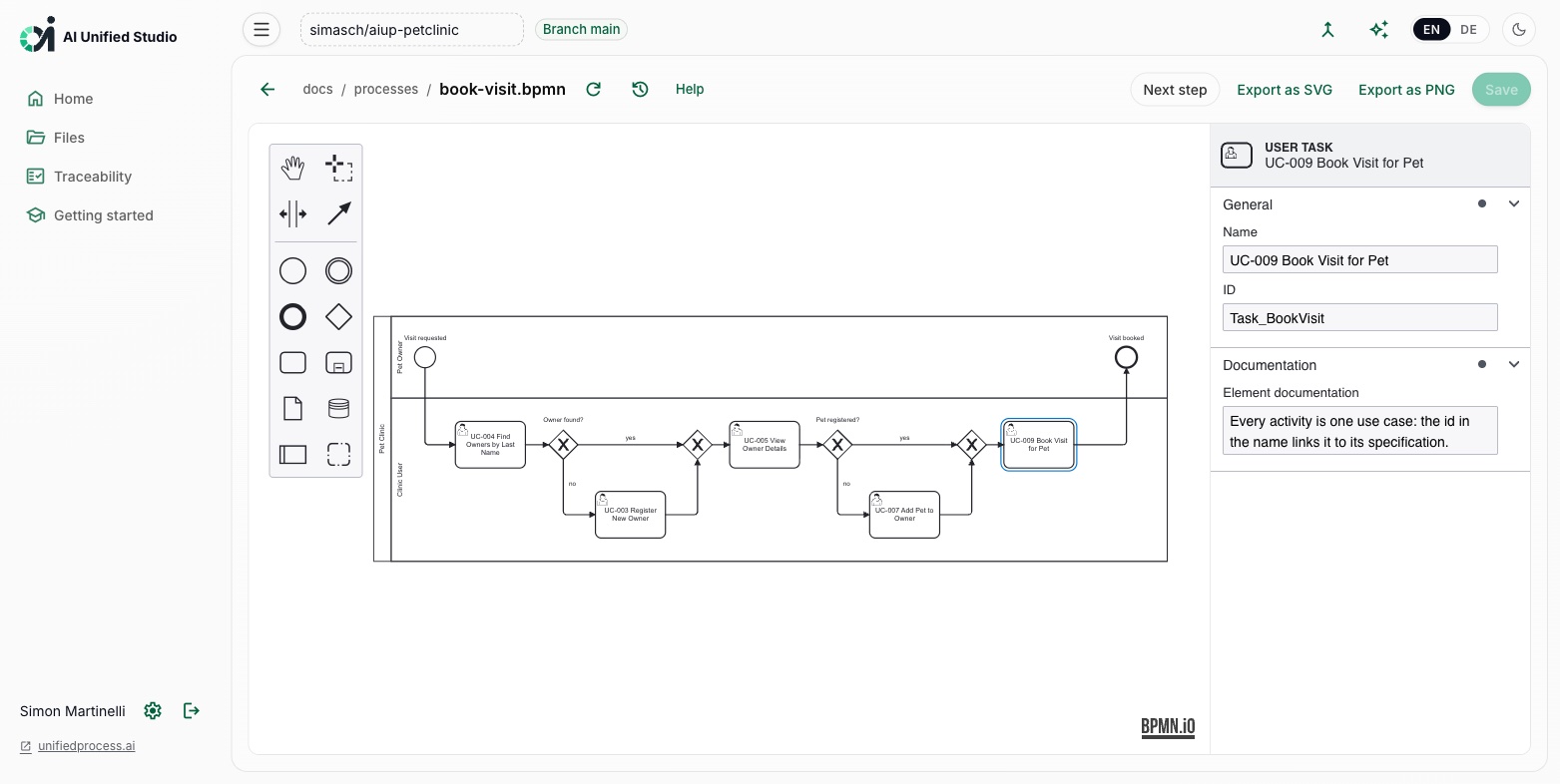
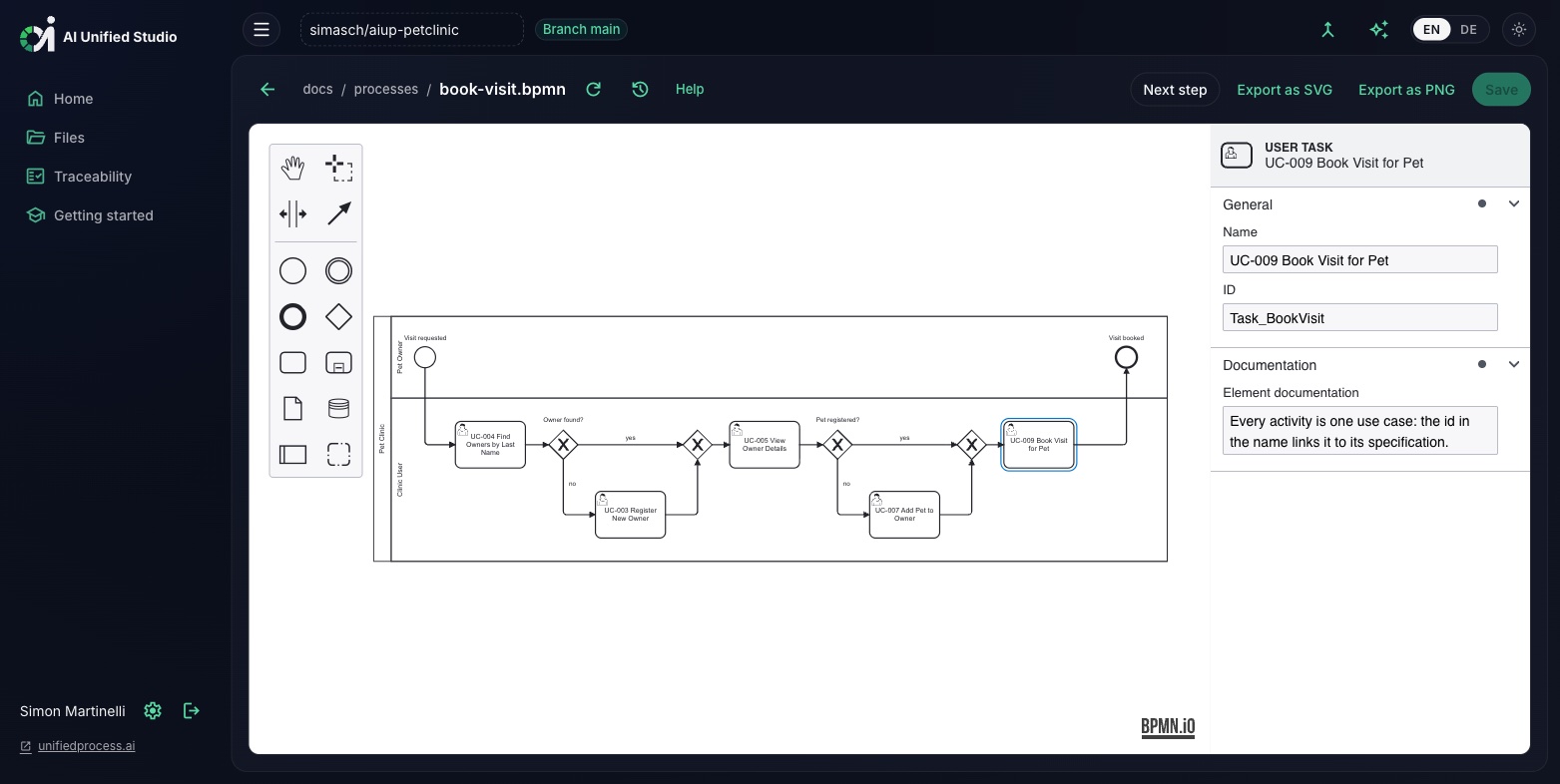
Business analysts model the business processes in the notation they already know: a graphical BPMN 2.0 editor with palette, canvas, and a properties panel for name, id, and documentation. Each process is saved as a plain BPMN 2.0 XML file under docs/processes/ in the repository, every save a Git commit, so the models stay exchangeable with other BPMN tools such as Camunda Modeler. Diagrams export as SVG or PNG, readers get a read-only view, and bpmn code blocks render as diagrams in any Markdown preview.
Why it matters: each activity in a business process is one use case. Name the activity after its use case, for example "UC-009 Book visit", or leave it out and the activity is matched to the use case of the same name. From there the process becomes the source of the end-to-end tests: every path from the start event to an end event turns into one test case that chains the use cases of its activities in process order, with the lanes as the test case's roles. The editor offers this as the next step with a Generate button; the aiup-core test-case skill runs in your repository's CI and the test cases arrive as a pull request. In a coding agent, the same step is /test-case docs/processes/order.bpmn. Every use case is then tested in the context of the business process it belongs to, and the process model stays the traceable source of the E2E tests.
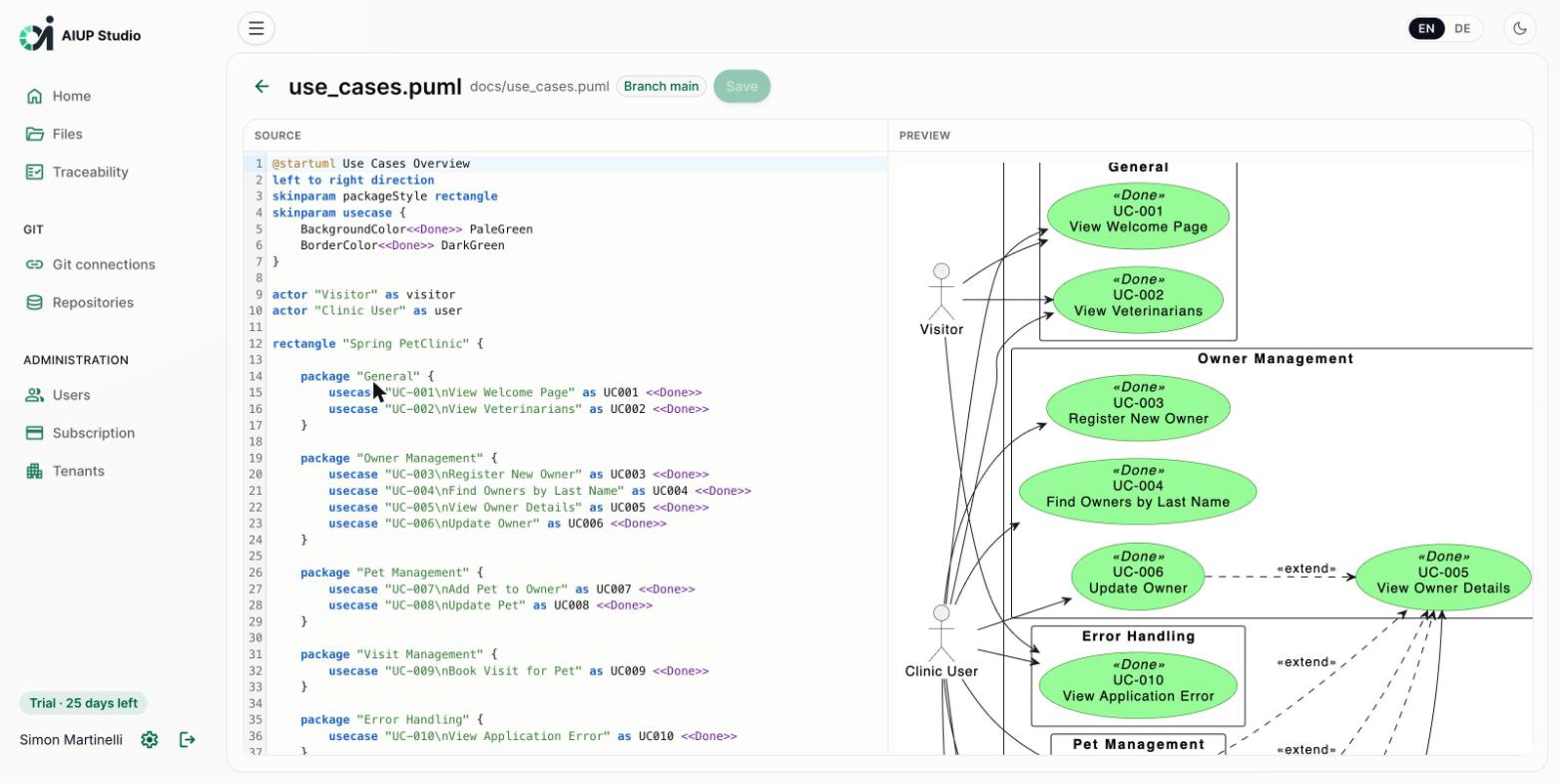
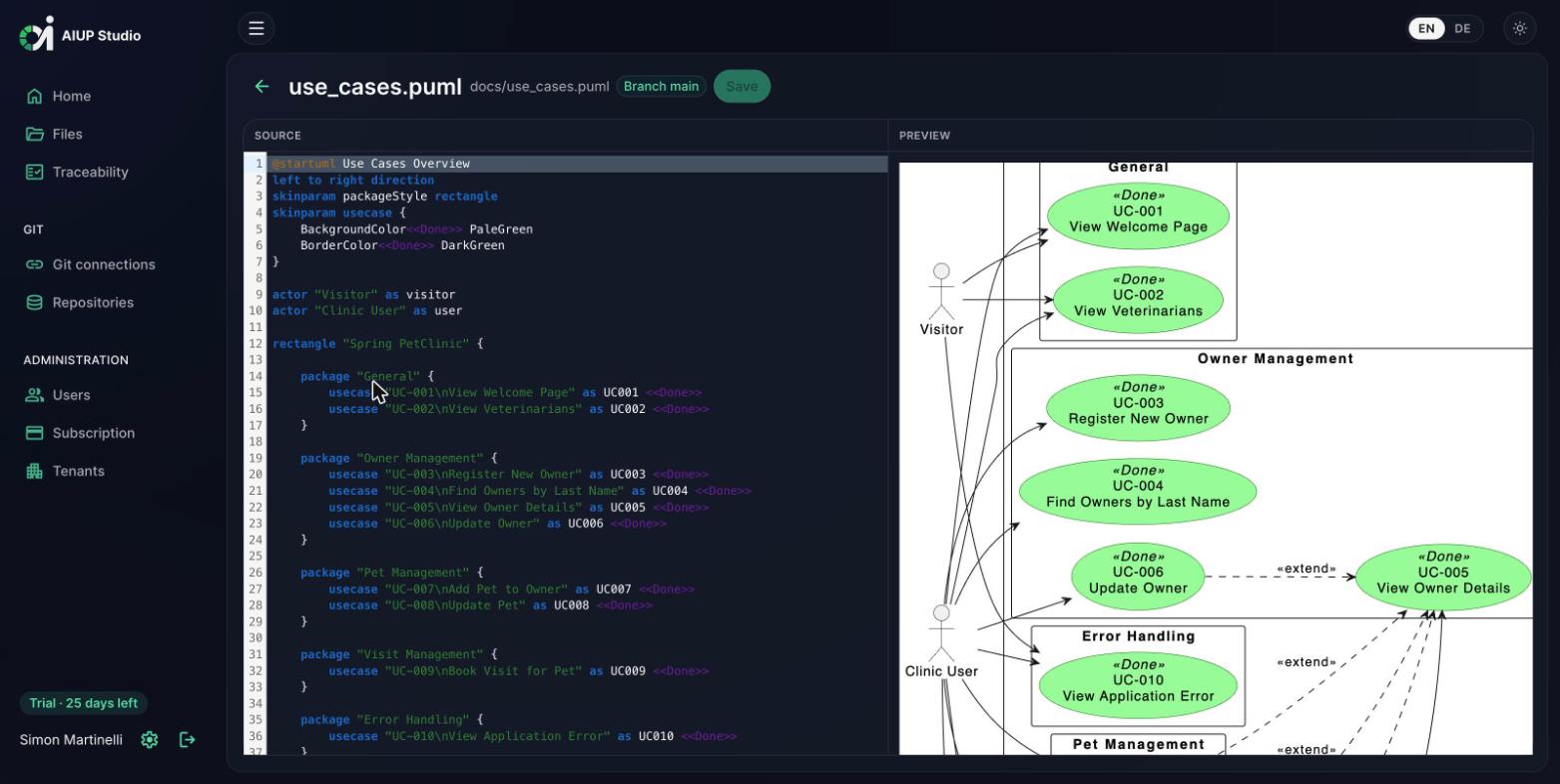
The use case diagram (docs/use_cases.puml) is edited as PlantUML source with syntax highlighting and a live preview next to it. A first draft of actors and use cases can be generated AI-assisted from the requirements catalog and then refined manually.
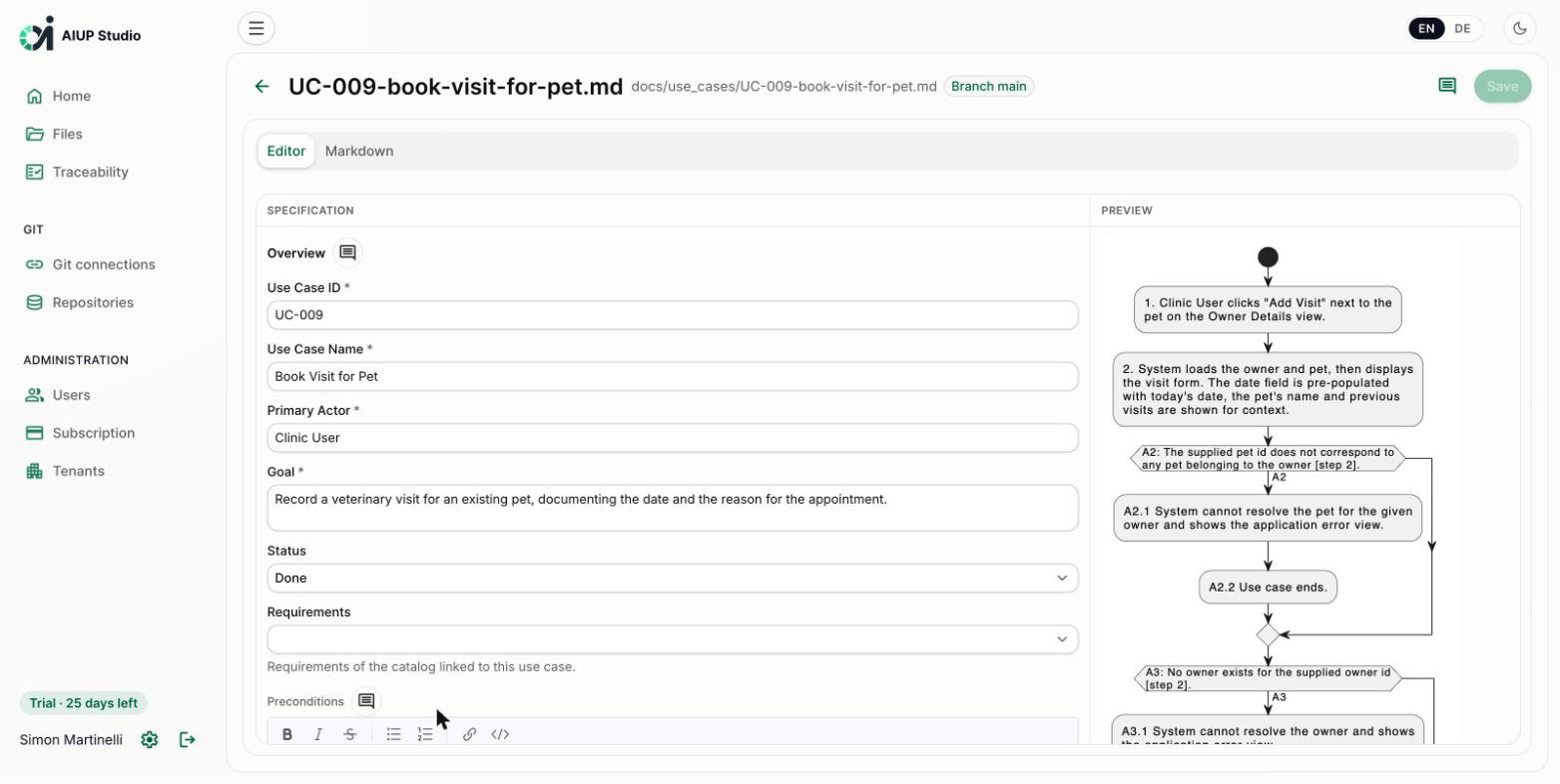
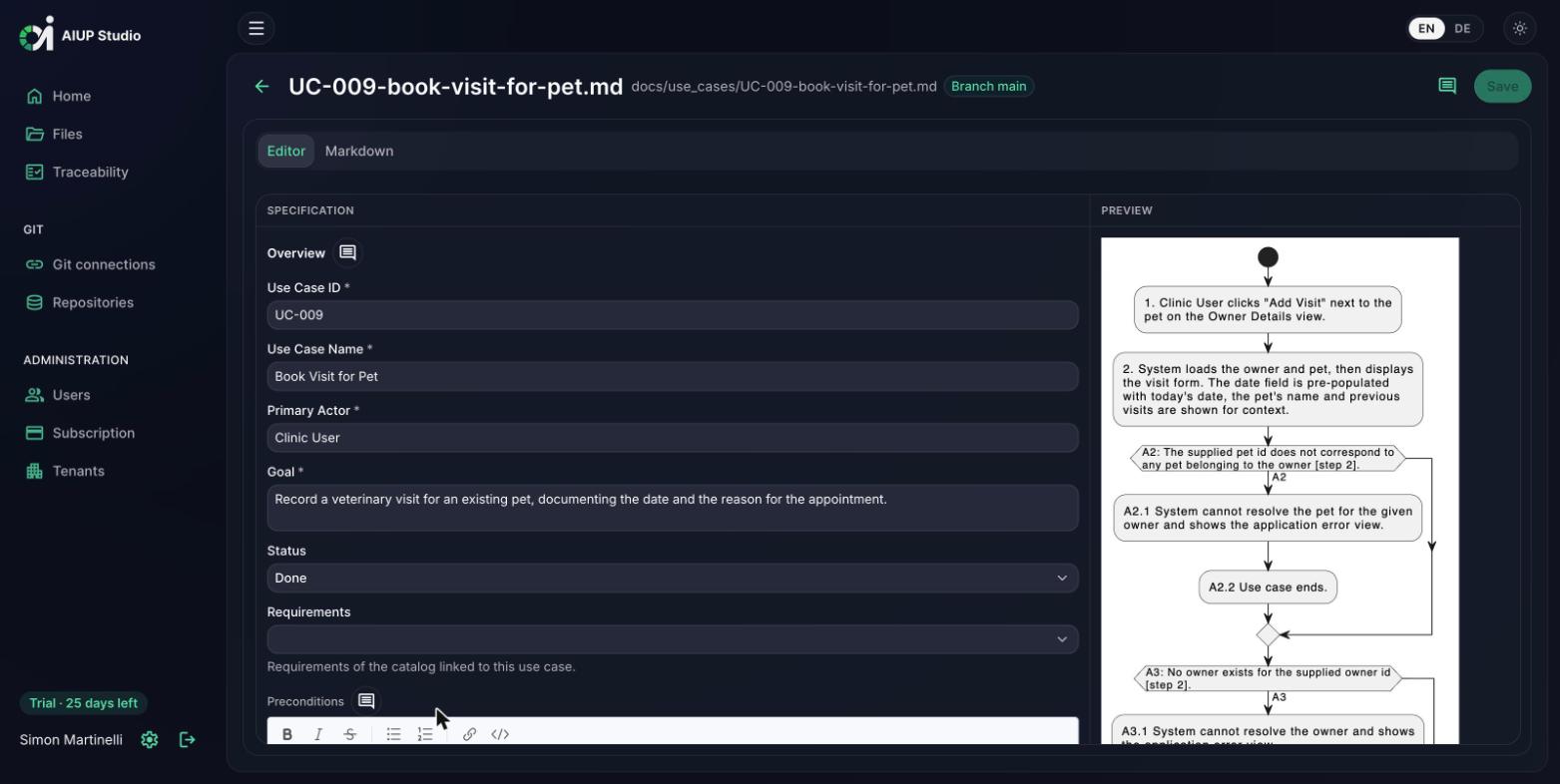
Each use case is maintained in a structured form following the AI Unified Process format: overview, preconditions, main success scenario, alternative flows, postconditions, and business rules. The activity diagram is generated automatically from the scenarios; here UC-009 "Book Visit for Pet" with its alternative flows.
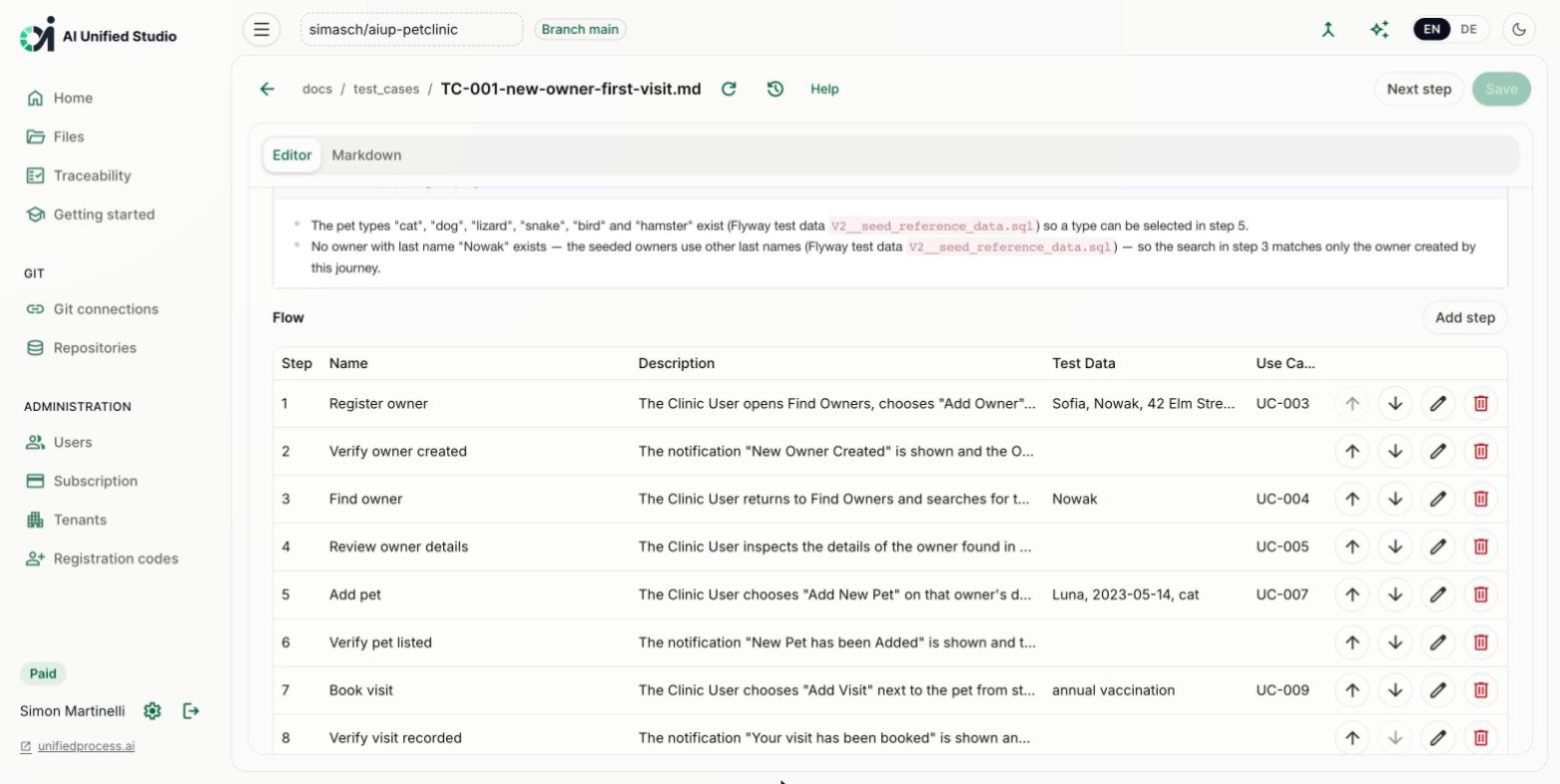
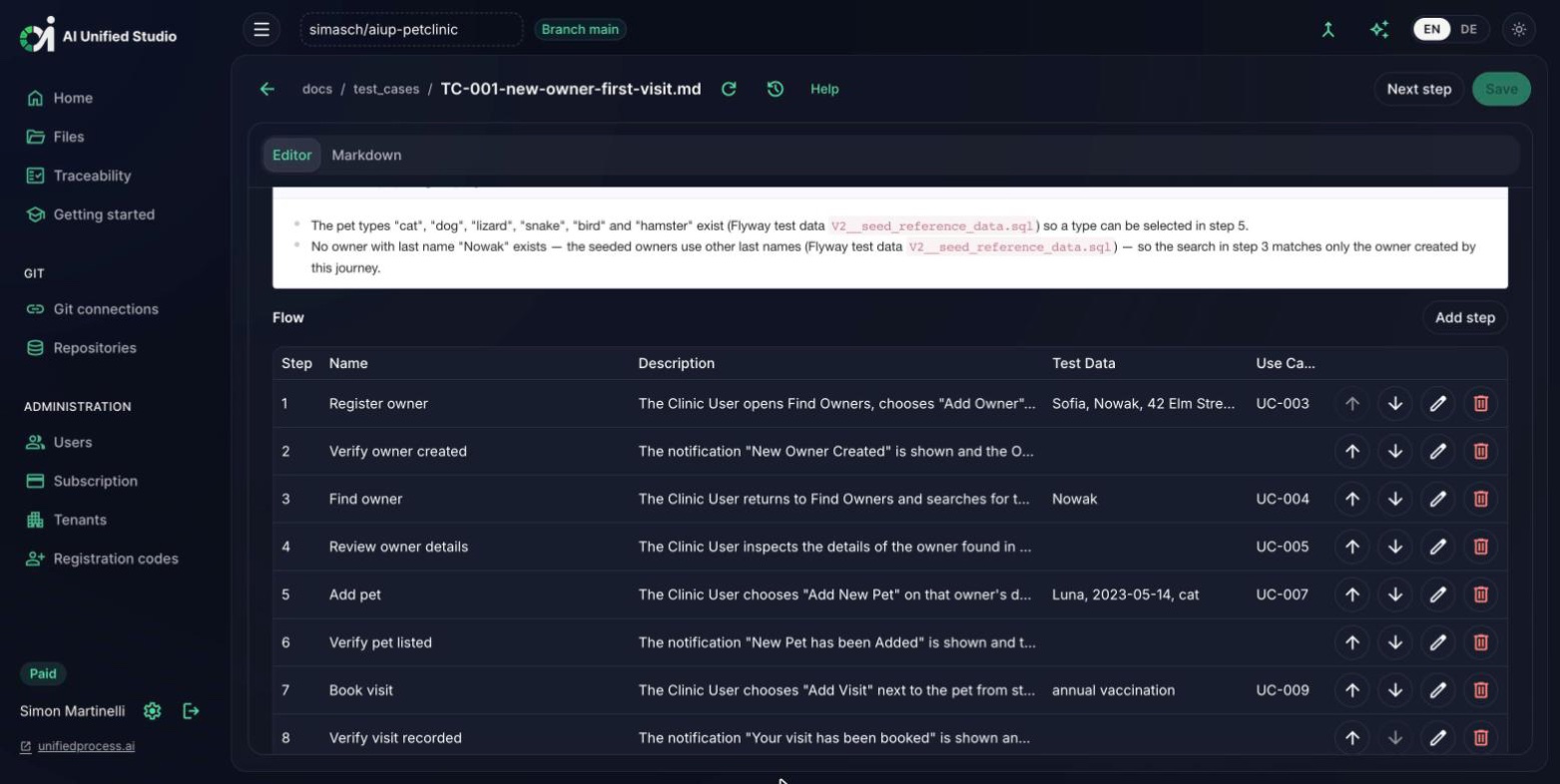
End-to-end test cases are maintained in the same structured way: overview, roles, preconditions, the journey as a numbered step table with the concrete test data per step, validations, and postconditions. A test case describes one journey through the application that can span several use cases, and each step can be linked to the use case it covers. The Studio writes the file to docs/test_cases/ in the format of the aiup-core test-case skill, so /test-case-implement TC-001 automates exactly what was written here. Test cases can also be derived from a business process: every path through the process model becomes one test case. Where the flow is still empty, the Studio offers to write it out with the same skill, and to generate the browser automation for the finished test case in your stack.
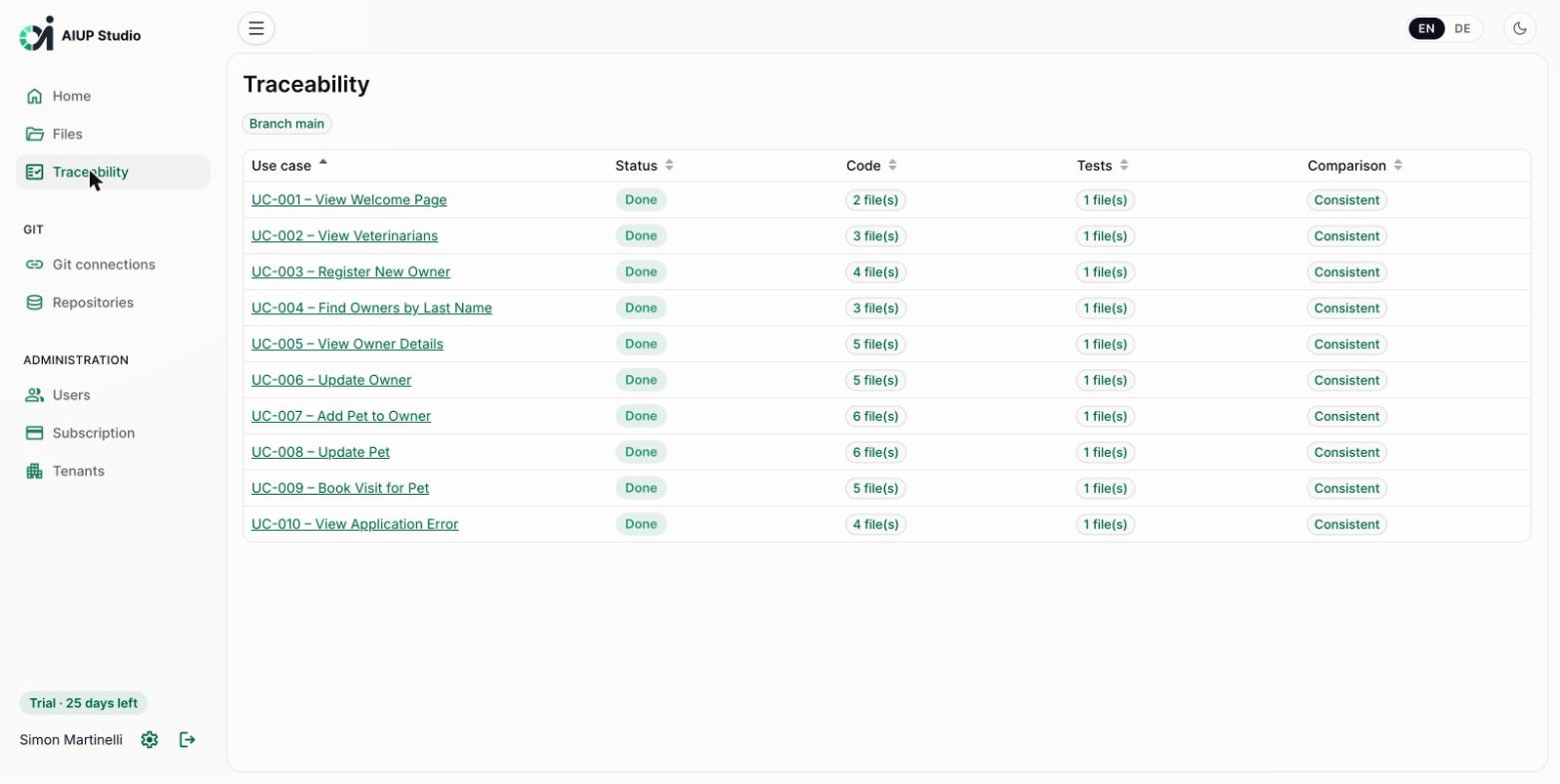
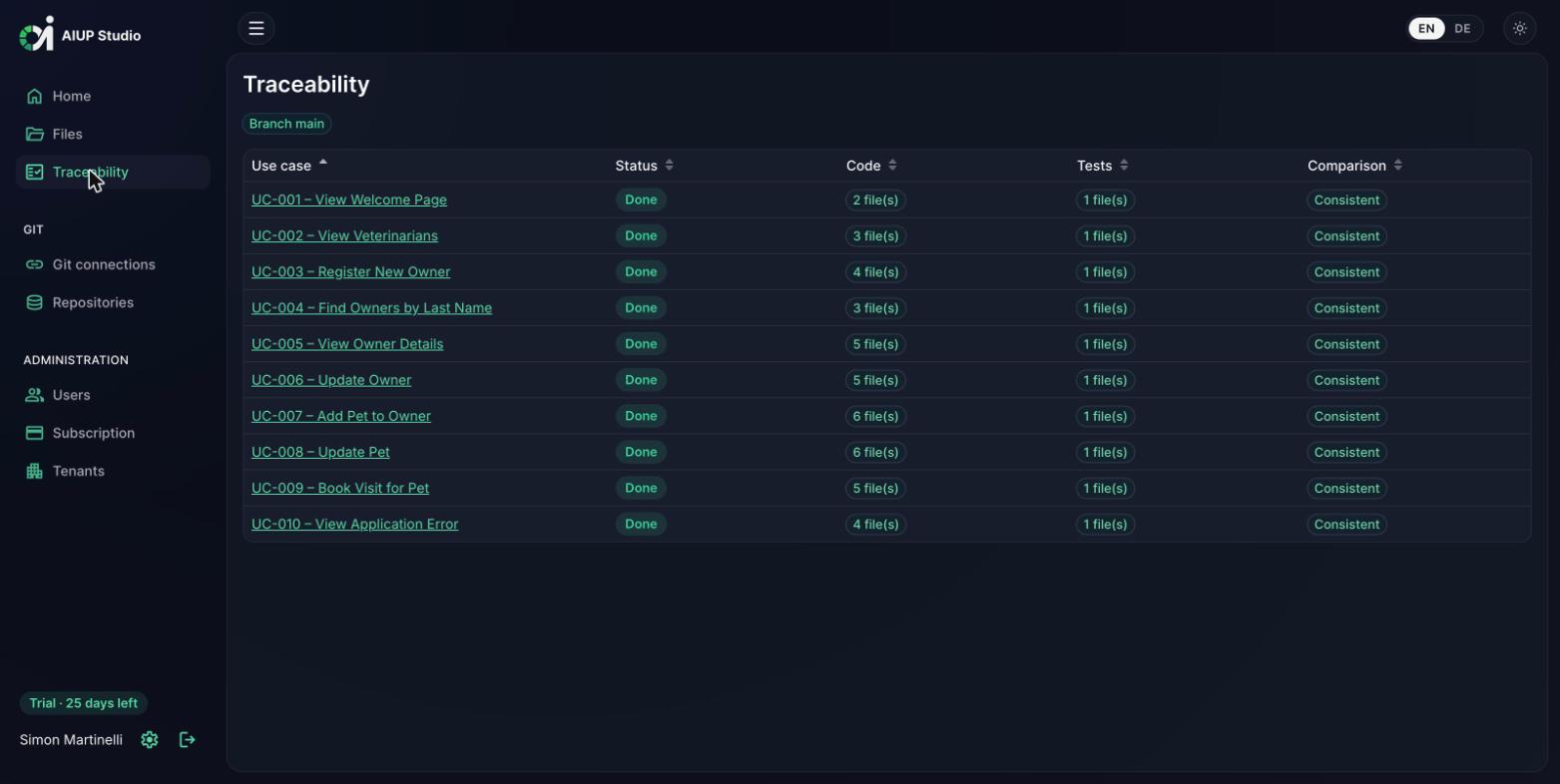
The traceability view shows, per use case, whether implementing code and tests exist in the repository, and whether that matches the maintained status. It reads the same @UseCase convention as the AI Unified Process Navigator, so the specification, implementation, and tests stay verifiably connected.
For us at WBS GRUPPE, the AI Unified Process is the ideal method for analyzing and evolving existing products in a structured way. With requirements and use cases consistently at the center, we stay in full control even in an established codebase. Particularly remarkable: thanks to the precise specifications, the subsequent implementation was surprisingly fast. A highly efficient framework for agile software development in the AI era.
Using AIUP, we delivered our internal B2B sales app in a fraction of the time I expected, including its interfaces to the aging in-house system that manages our product licenses. We had our old, manually maintained Word offers and sales statements analyzed and specified in markdown, and it was astounding to see the generated PDFs come out perfect, with every calculation done automatically. The specifications carried the whole thing. Now we can move functionality out of that hard-to-maintain legacy system, step by step.
The AI Unified Process skills no longer run only in your coding agent: the Studio triggers them itself, in the CI of your repository. Generation is available in every workspace, from the requirements catalog all the way to implementation and tests.
Every editor shows the next step in the AI Unified Process, with the matching command for your coding agent ready to copy. With generation set up, a Generate button sits right next to it: the Studio runs the same skill on the same artifact, so there is only one generation path, whether it starts in your coding agent or in the Studio.
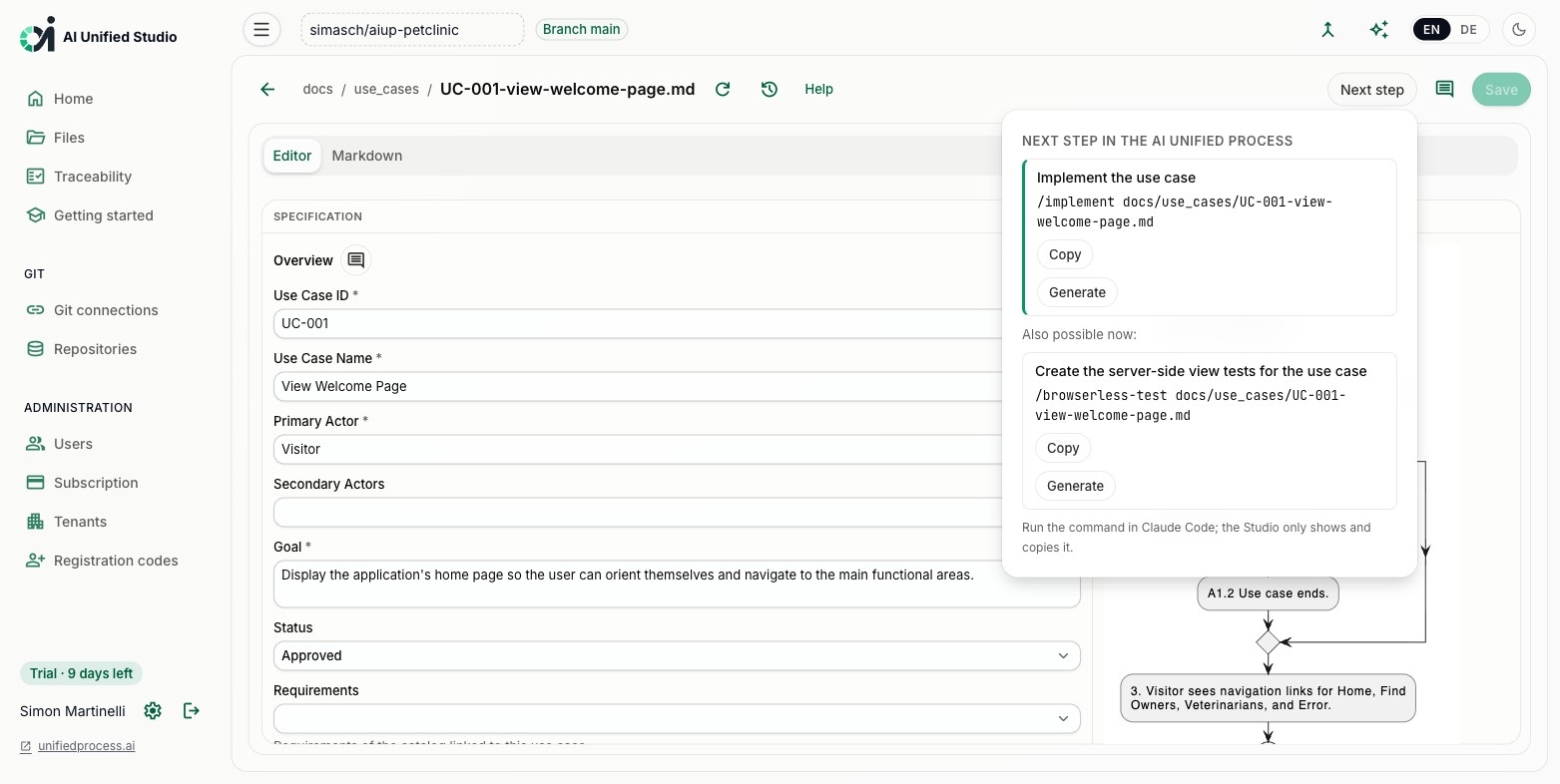
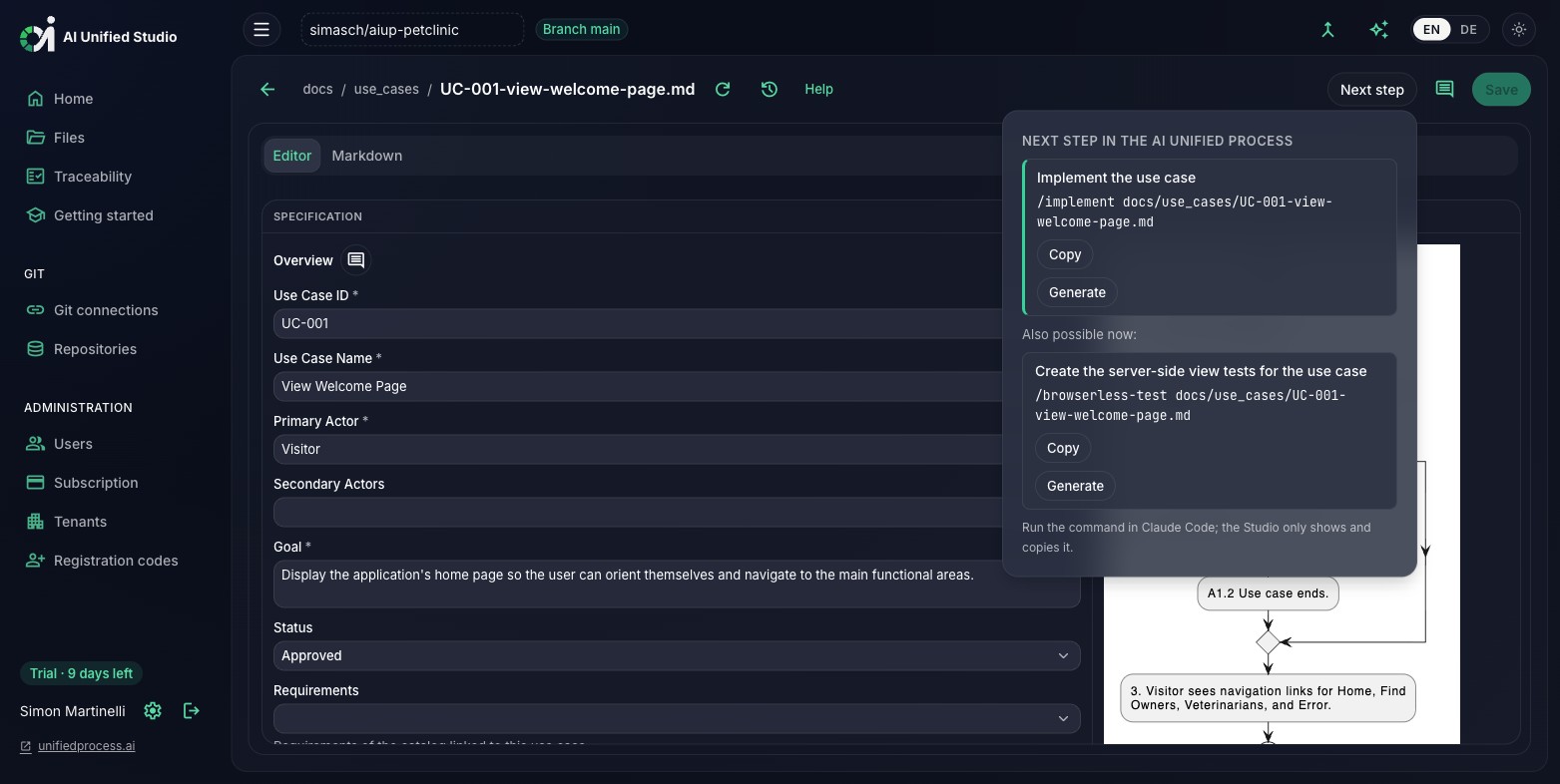
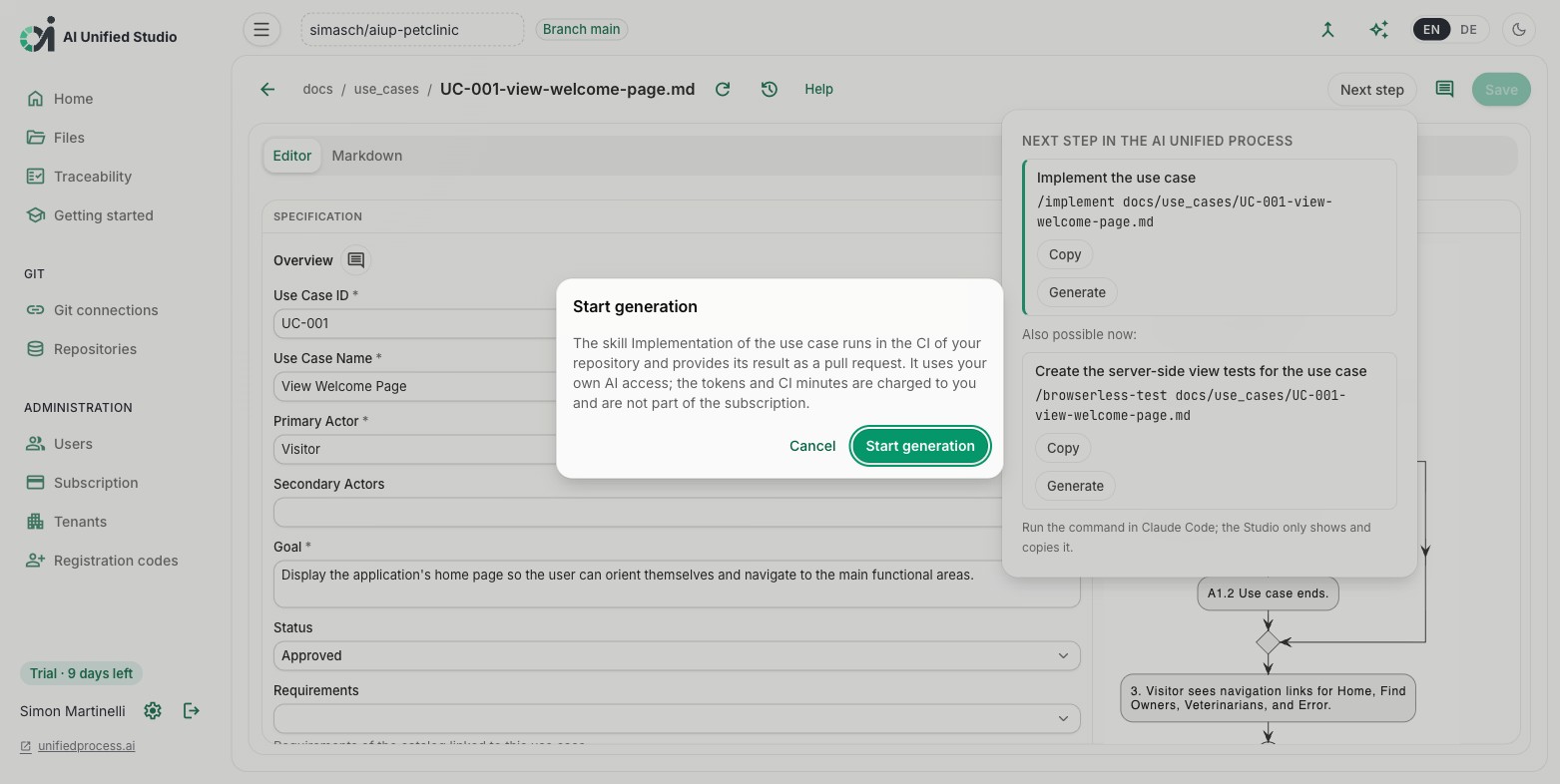
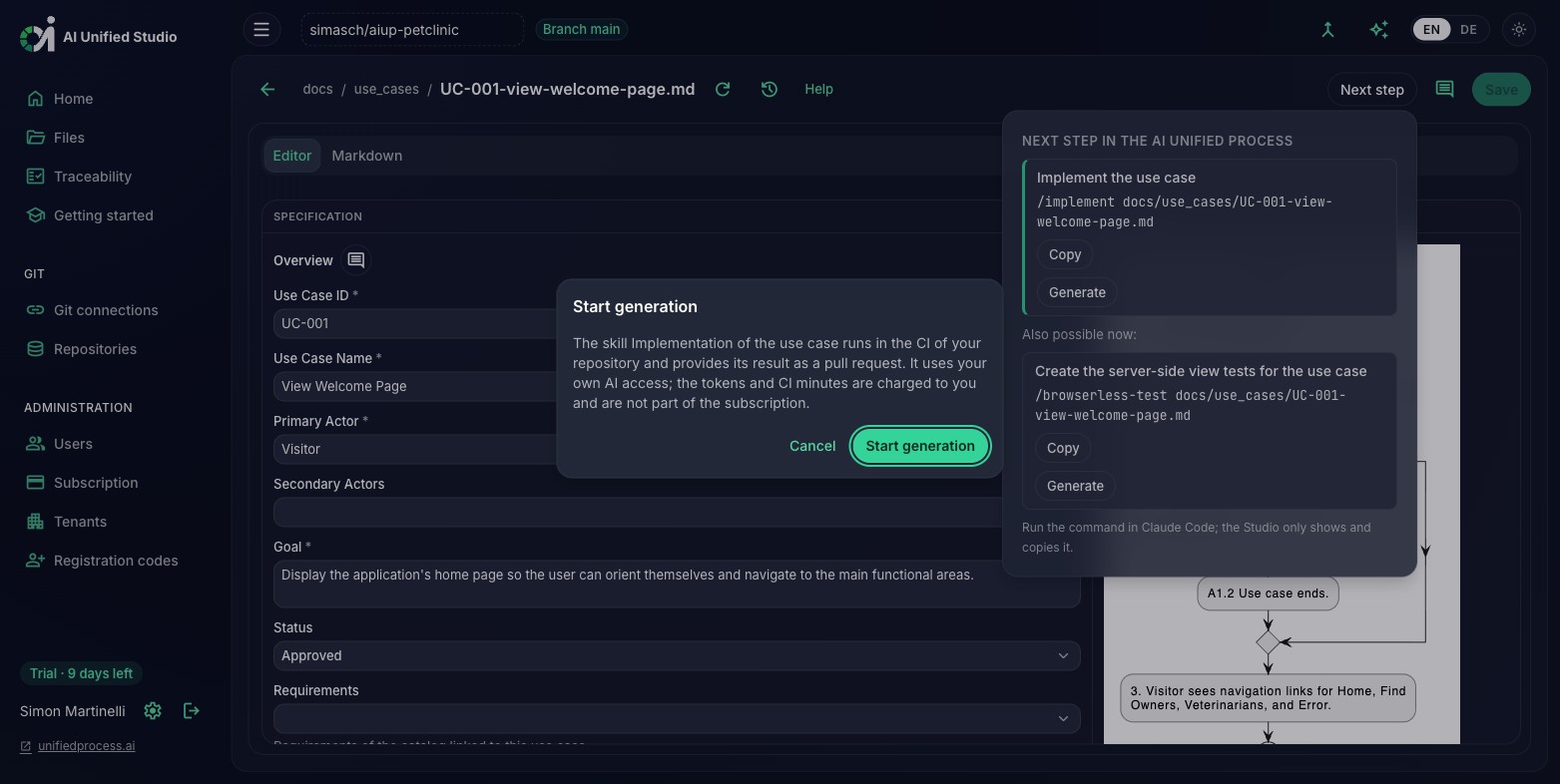
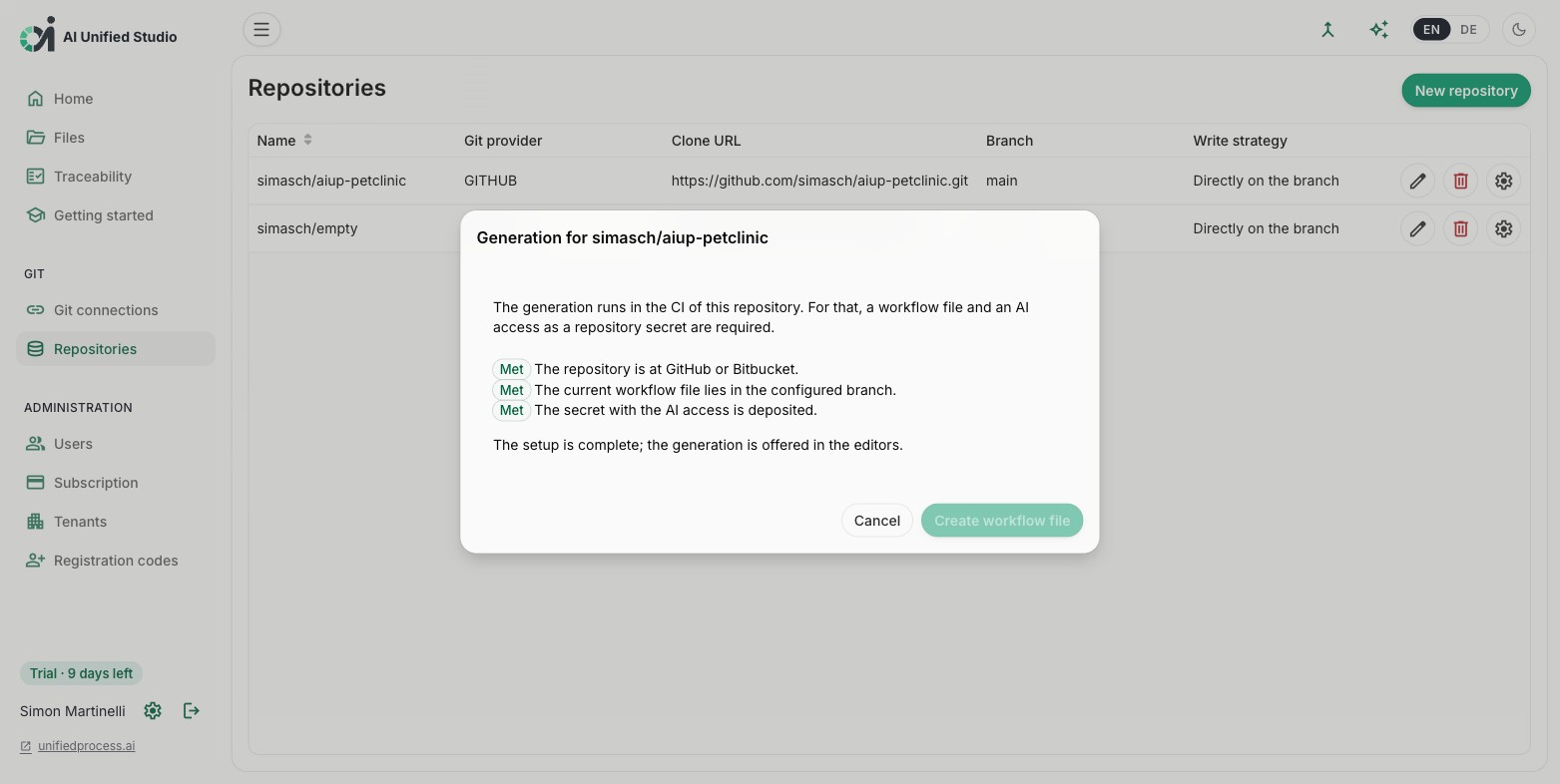
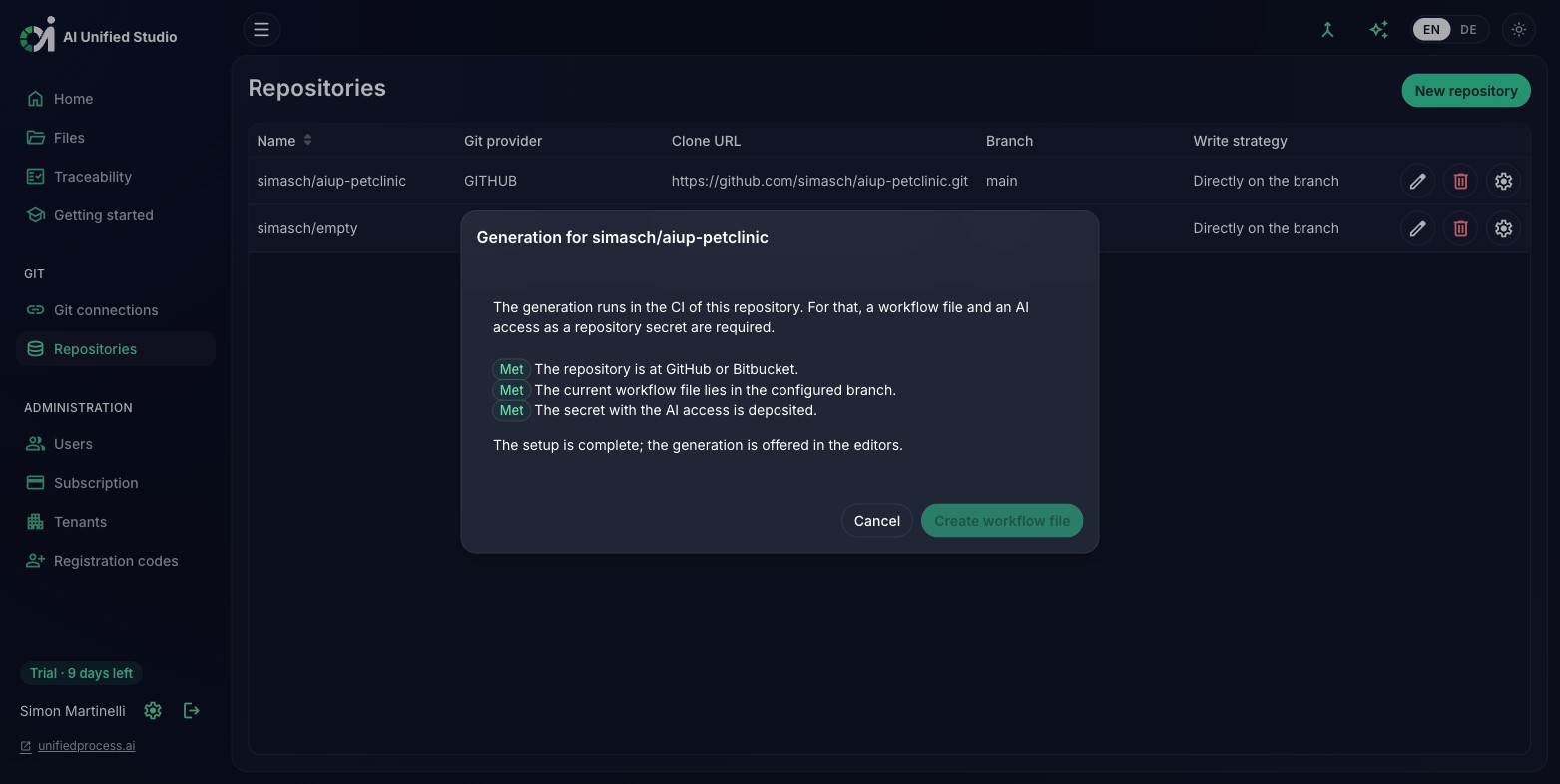
A generation run executes in the CI of your own repository (GitHub Actions or Bitbucket Pipelines) with your own AI access, and the Studio says so before you start. The result never lands directly on a branch: every run opens a pull request, so generated documents and code remain proposals until you review and merge them.
The setup verifies every precondition and shows what is met and what is open. The Studio commits the workflow file to the configured branch; the AI access (an Anthropic API key or a Claude subscription token) is stored solely as a secret at your Git provider. The Studio never sees or stores it. Once every point is green, generation is offered in the editors.
Users sign in with their GitHub or Bitbucket account; no separate credentials. Administrators connect the organization, configure repositories, and manage team roles.
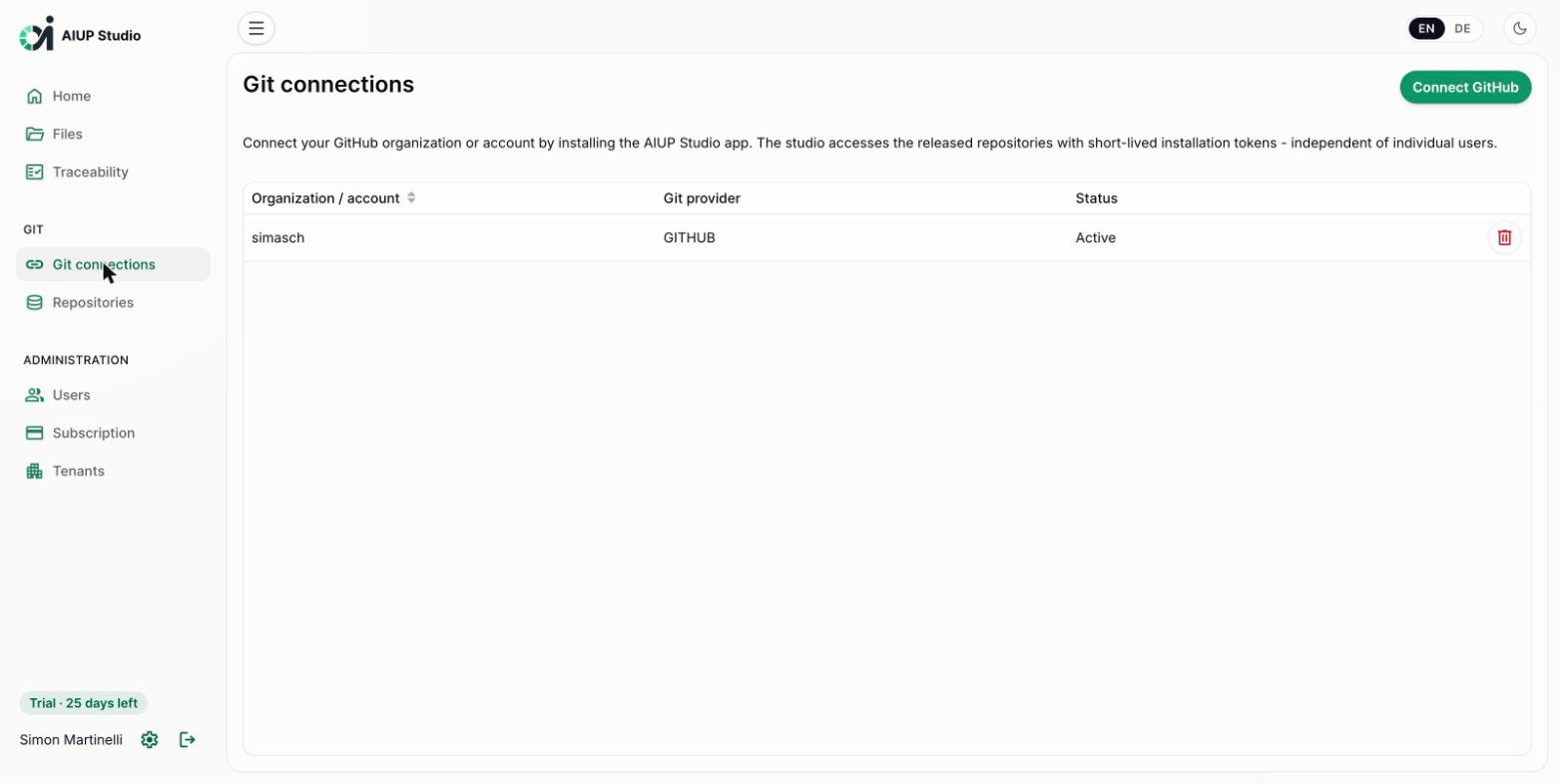
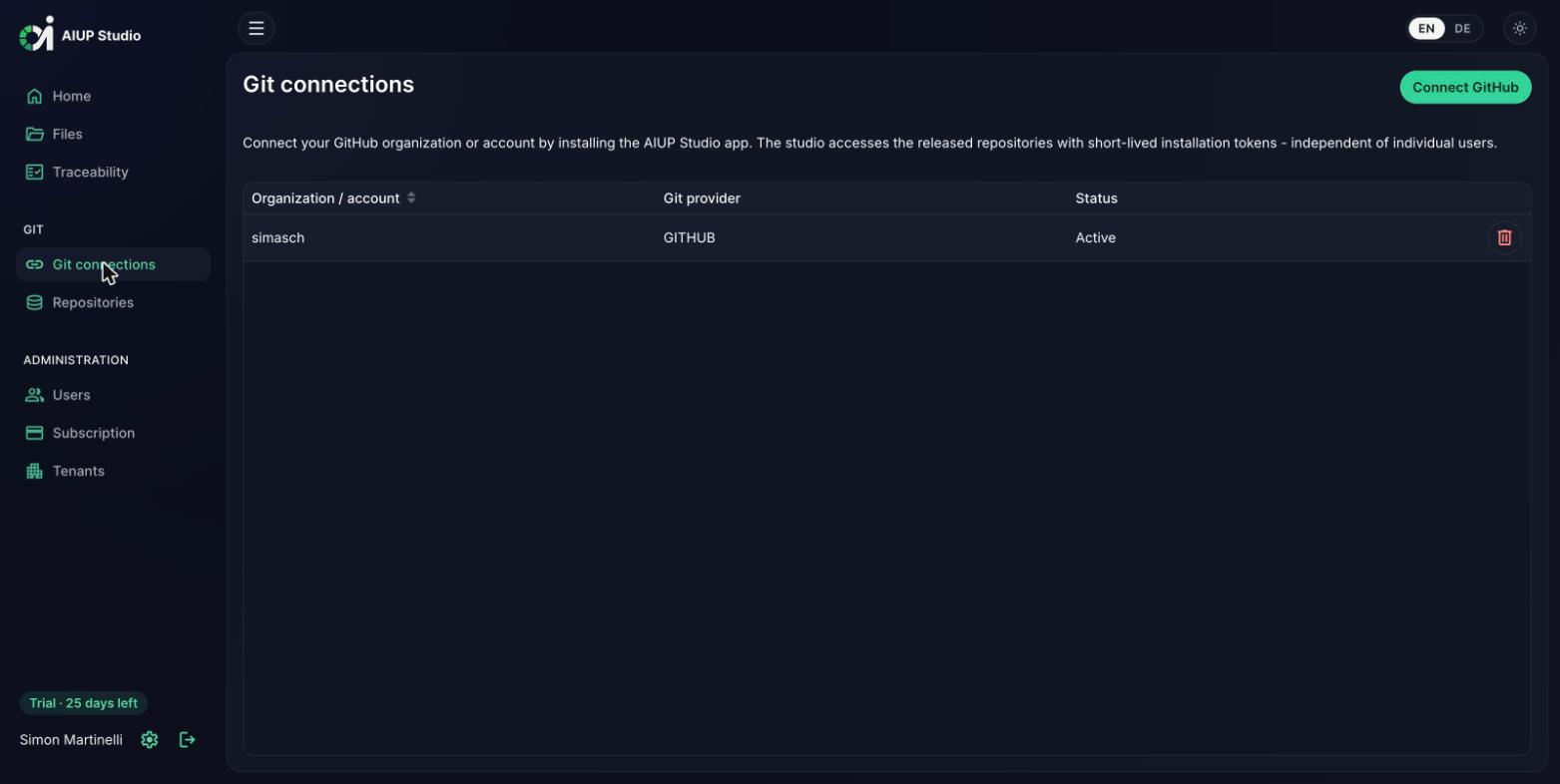
The Studio supports GitHub and Bitbucket. Connect your GitHub organization or account by installing the Studio app, or connect your Bitbucket workspace. The Studio accesses the released repositories with short-lived tokens, independent of individual user accounts.
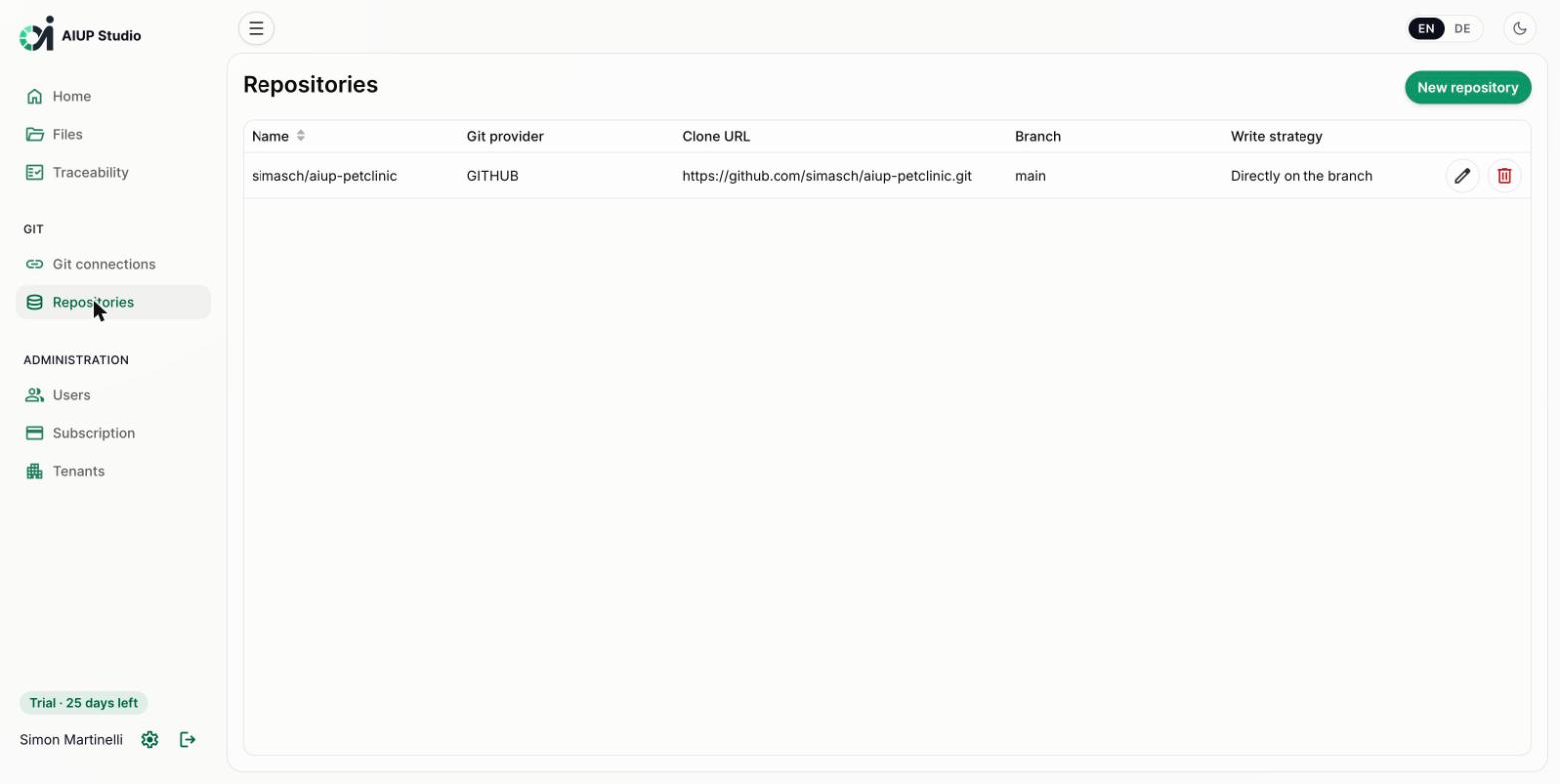
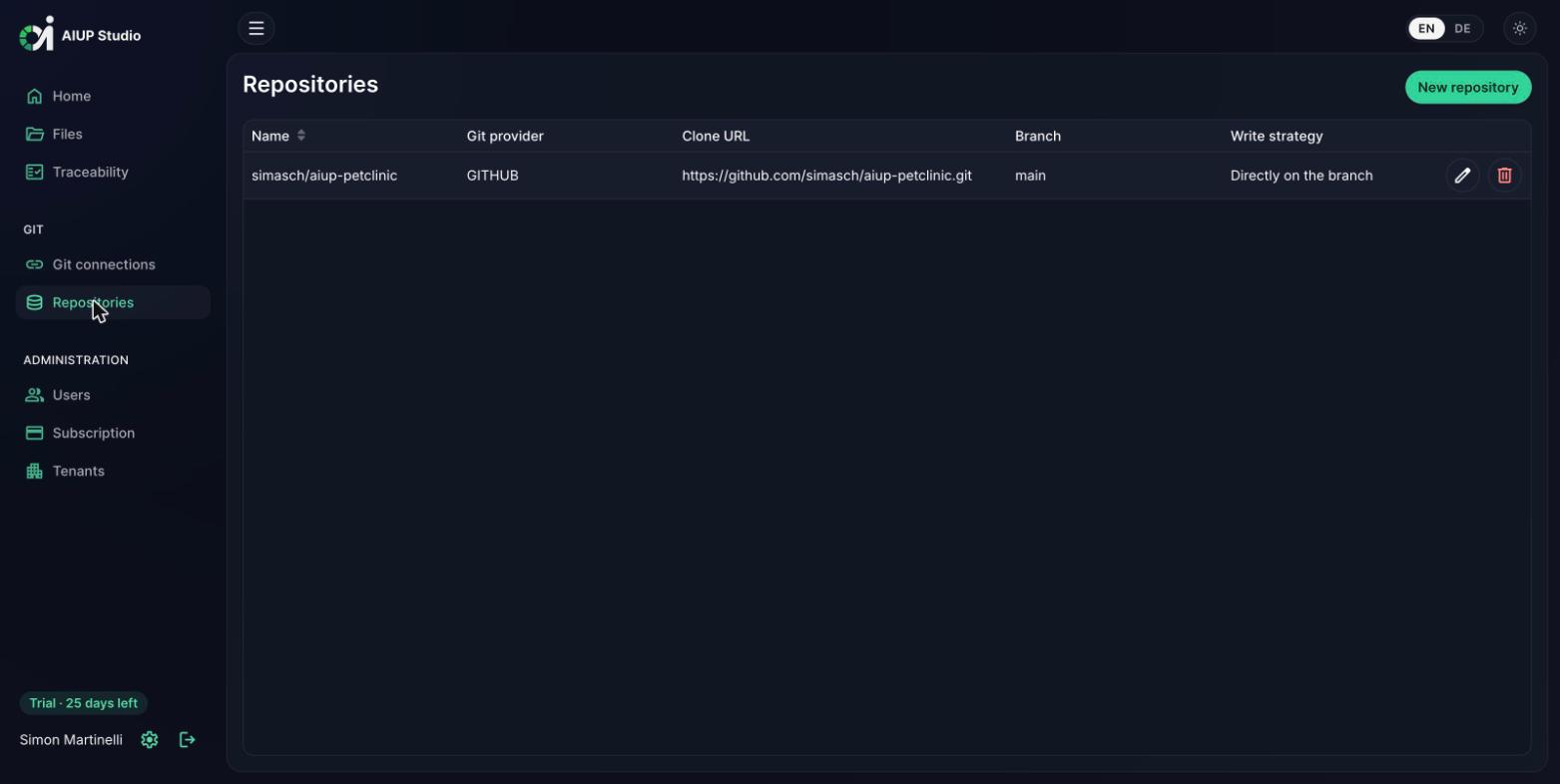
Configure one or more repositories per tenant: Git provider, branch, and write strategy: commit directly to the branch or work through pull requests for protected branches.
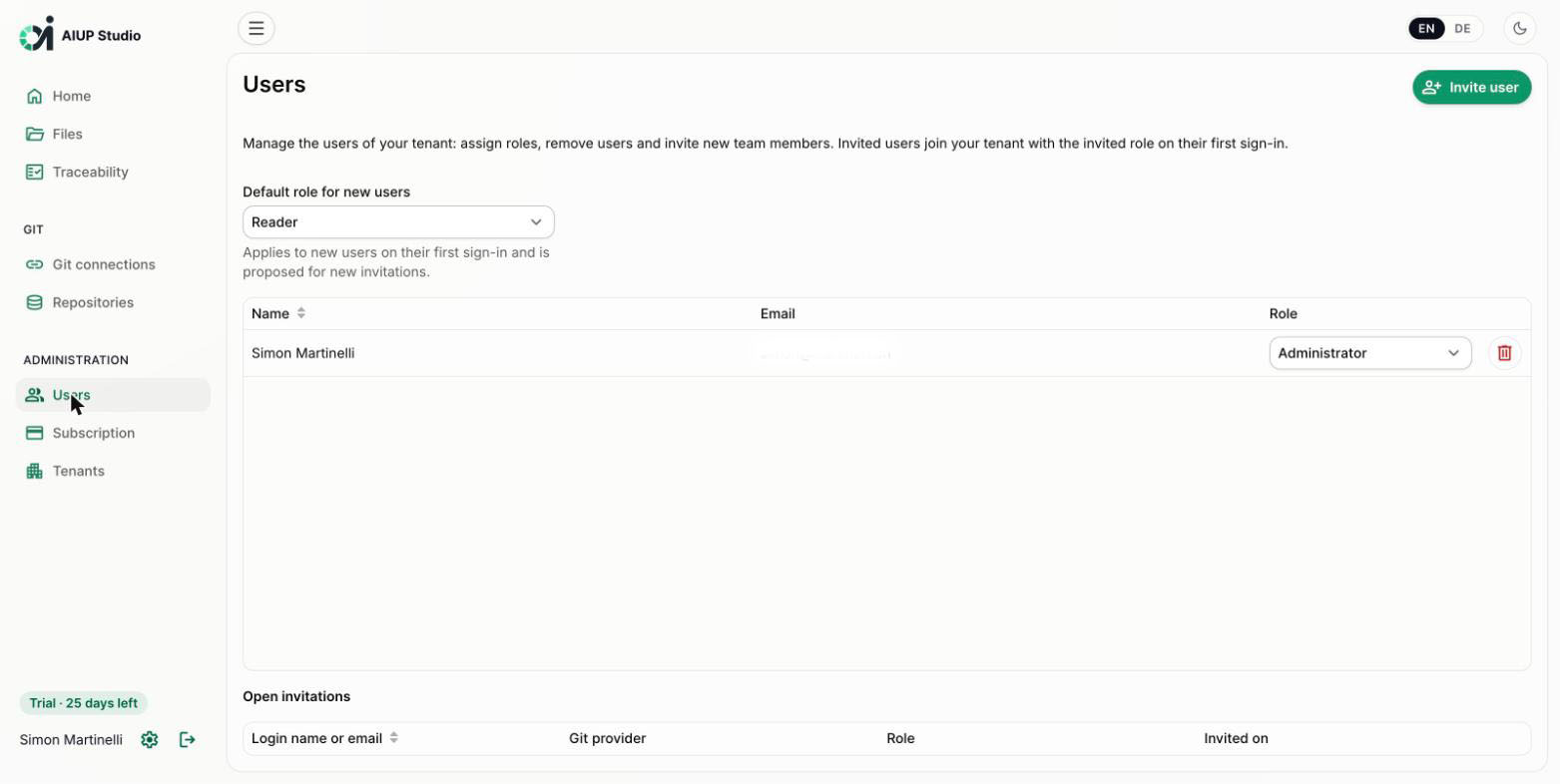
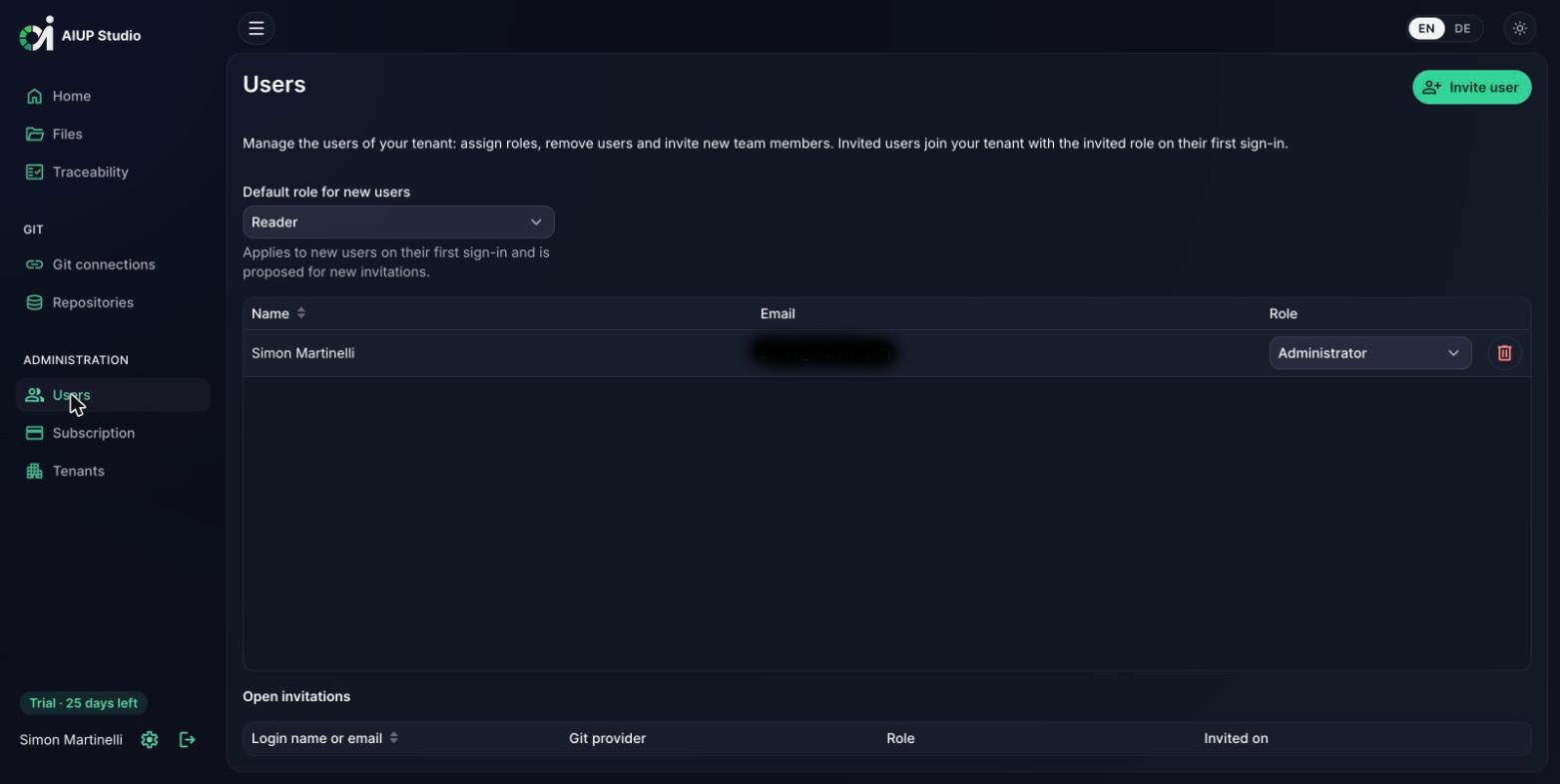
Manage the users of your tenant: assign the roles Administrator, Editor, or Reader, invite new team members, and set the default role for first-time sign-ins. Invited users join with their Git account; no separate registration.
The Studio reads and writes exactly the artifact formats of the aiup-core skills: the same files the agent plugins produce and consume.
A repository reverse-engineered with /reverse-engineer opens in the Studio without any conversion, and use case specifications and test cases written in the Studio feed directly into /use-case-implement and /use-case-test, which run the layer plugins of your project, down to /test-case-implement TC-001 for a whole journey. Business processes are stored as standard BPMN 2.0 XML, so the same model opens in Camunda Modeler and feeds /test-case to derive the end-to-end tests.
Code and test generation stay on your Git repository: run the commands in your AI coding tool, or let the Studio trigger the same skills in the CI of your repository.
What began as AI assistance close to individual artifacts now automates the process itself: every step from the requirements catalog to the end-to-end tests can be generated, then reviewed and merged as a pull request.
The agent plugins drive the AI Unified Process workflow from requirements to tests, and the AI Unified Process Navigator links test methods to their use case specifications.
AI Unified Process Studio is currently in private beta and not publicly available yet. Leave your email address and we'll send you an invitation as soon as your access is ready; your free trial starts with the invitation.
What it costs: the open-source plugins stay free. Studio is in private beta; your free trial starts with the invitation, and pricing is announced at general availability.
We onboard new teams in small batches and personally: no waiting list limbo, no spam.
Studio is in private beta. Request an invitation above, or book a call to talk through how Studio fits your team.